Chapter 3. Listening to Music/FM Radio
35
User Button Custom Function
1
Set the User Button Mode to <Repeat AB> and play
a file of your choice.
This function enables you to listen to specific parts of a
track repeatedly. Recommended for language learning.
2
Press the [ USER/ ] button at the beginning of
the section you want to repeat.
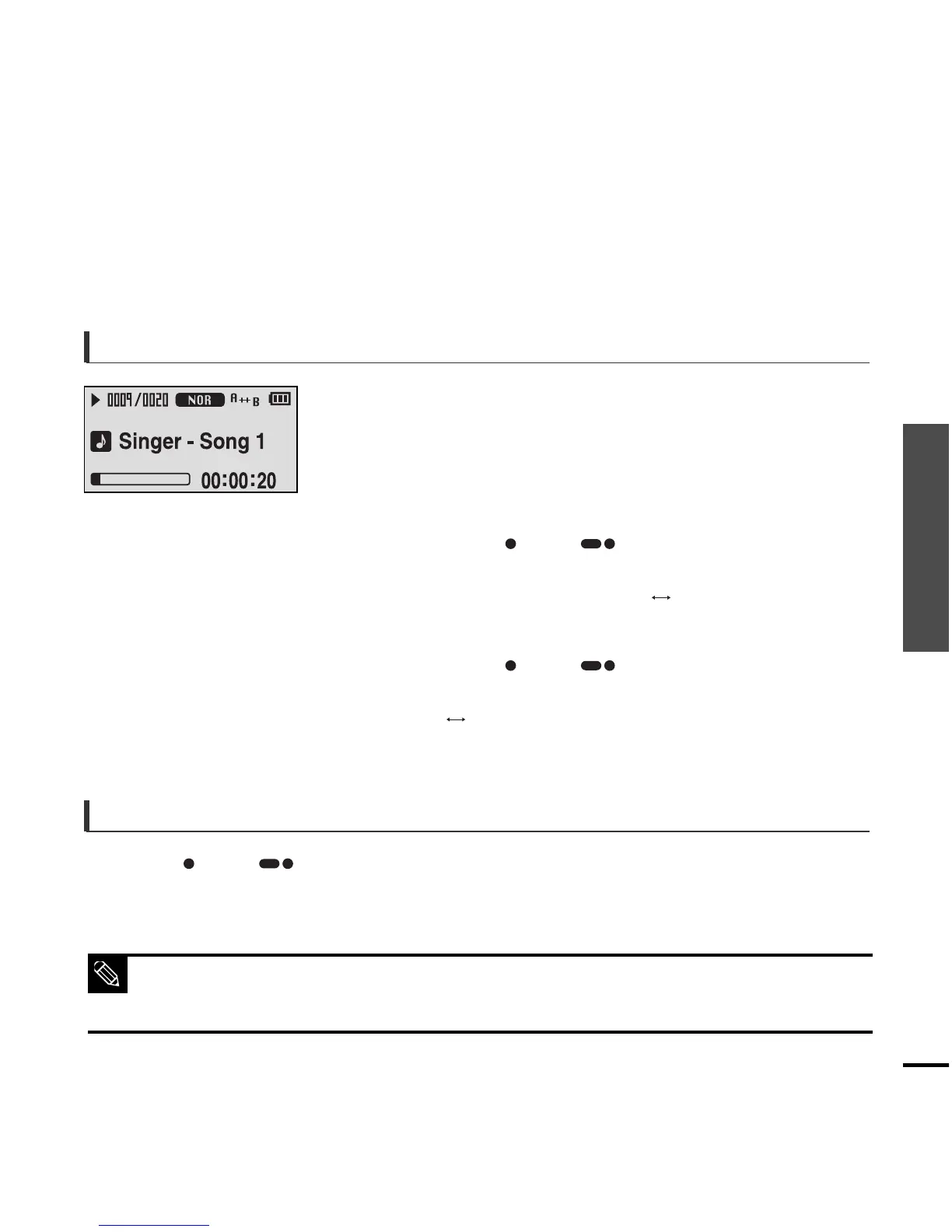
■ The starting point is set and <A > will appear in the screen
display window.
3
Press the [ USER/ ] button again to set the
ending of the section you want to repeat.
■ <A B> will appear on the screen and the specified section
starts to play repeatedly.
To set Section Repeat
Press the [ USER/ ] button again during Section Repeat.
■ Section Repeat will be cancelled.
To cancel Section Repeat
■ Section Repeat will be automatically cancelled in the following cases.
- When the [
lœœ
] or [
√√l
] button is pressed, moving to the previous or next track.
- The starting point of the section repeat is set but the ending point is not set until the current track ends.
NOTE



 To Next Page