Chapter 3. Listening to Music/FM Radio
31
Listening to Music
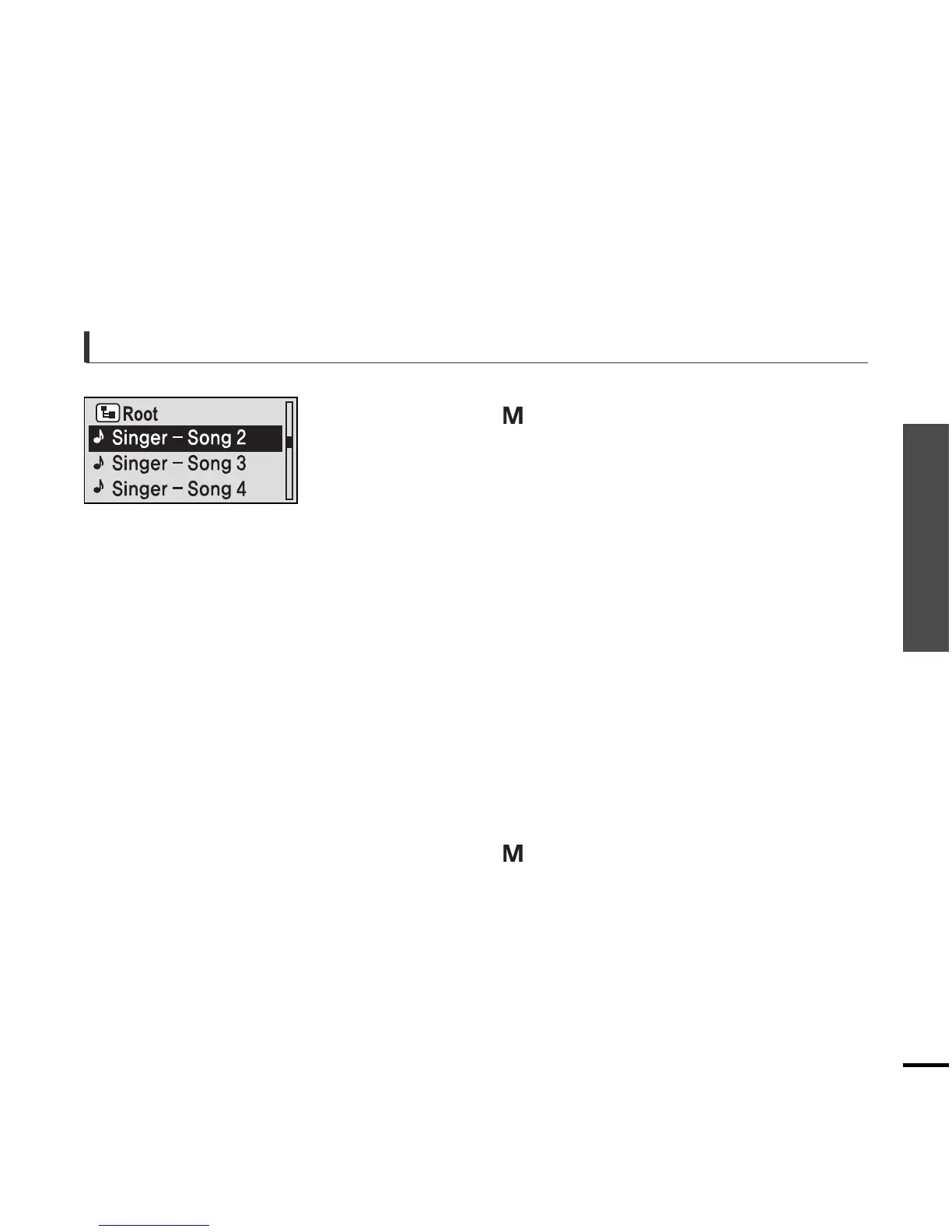
To search a music
2
Press the [
lœœ
] button to move to the upper
folder.
5
Press the [ + , - ] button to select a file of your
choice.
1
Press the [ ] button while the selected music
is playing.
■
The file list of the folder will appear.
6
Press the [ ] button.
■
The selected file will start playing.
4
Use the [
√√l
] button to move to the file list on the
selected folder.
■
Use the
[
√√l
] button to move to the lower level, the [
lœœ
]
button to the upper level.
Press the [ + , - ] button to select a folder of your
choice.
3



 To Next Page