Chapter 3. Listening to Music/FM Radio
33
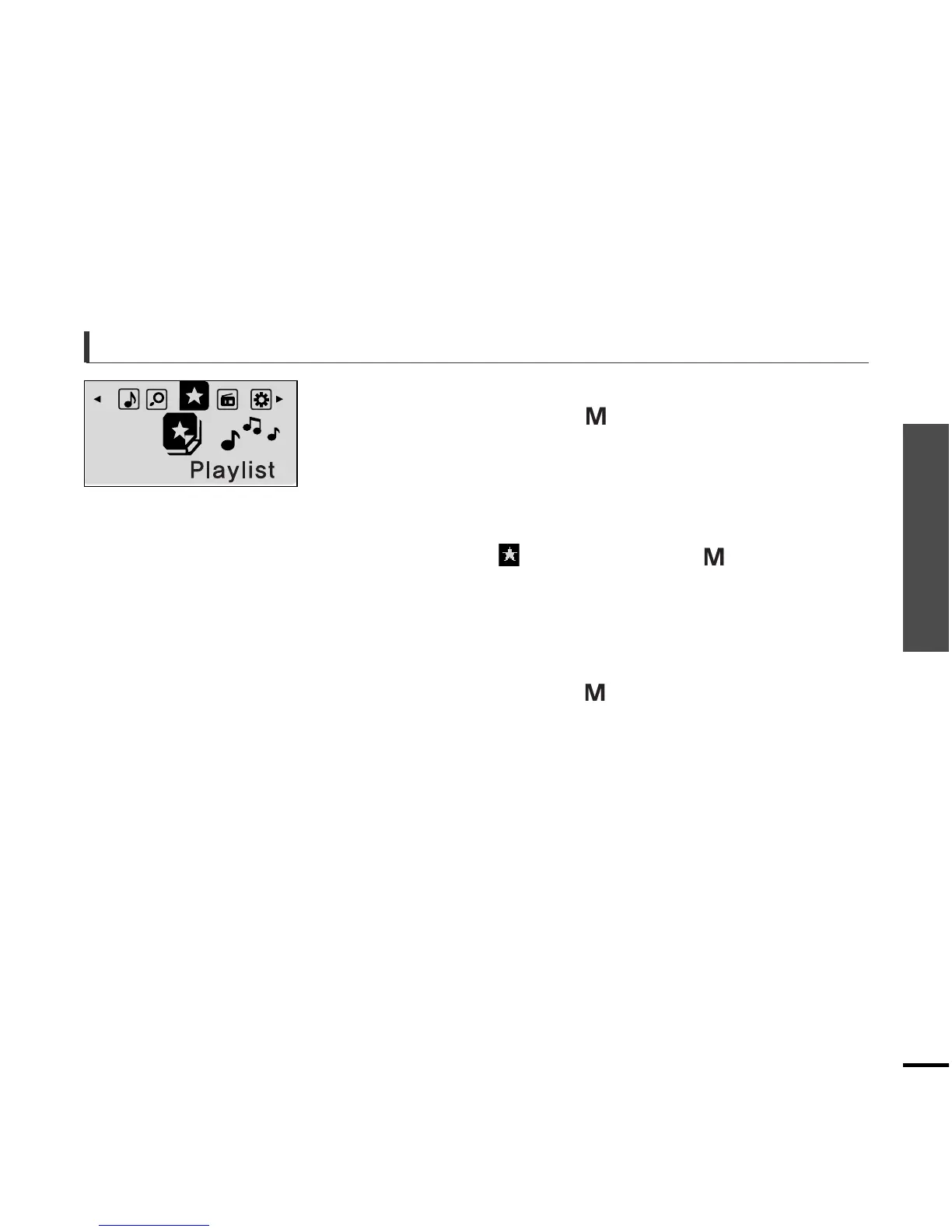
To Play a Playlist
To Play a Playlist
1
Press and hold the [ ] button to move to the
Menu screen.
2
Press the [
lœœ
,
√√l
] button to select the
<Playlist> and then press the [ ] button.
■
The playlist you set will be displayed.
3
Press the [ + , - ] button to select the list to play
and then press the [ ] button.
■
The files in the playlist will start playing.



 To Next Page