15
Chapter 1. Preparation
Basic Use
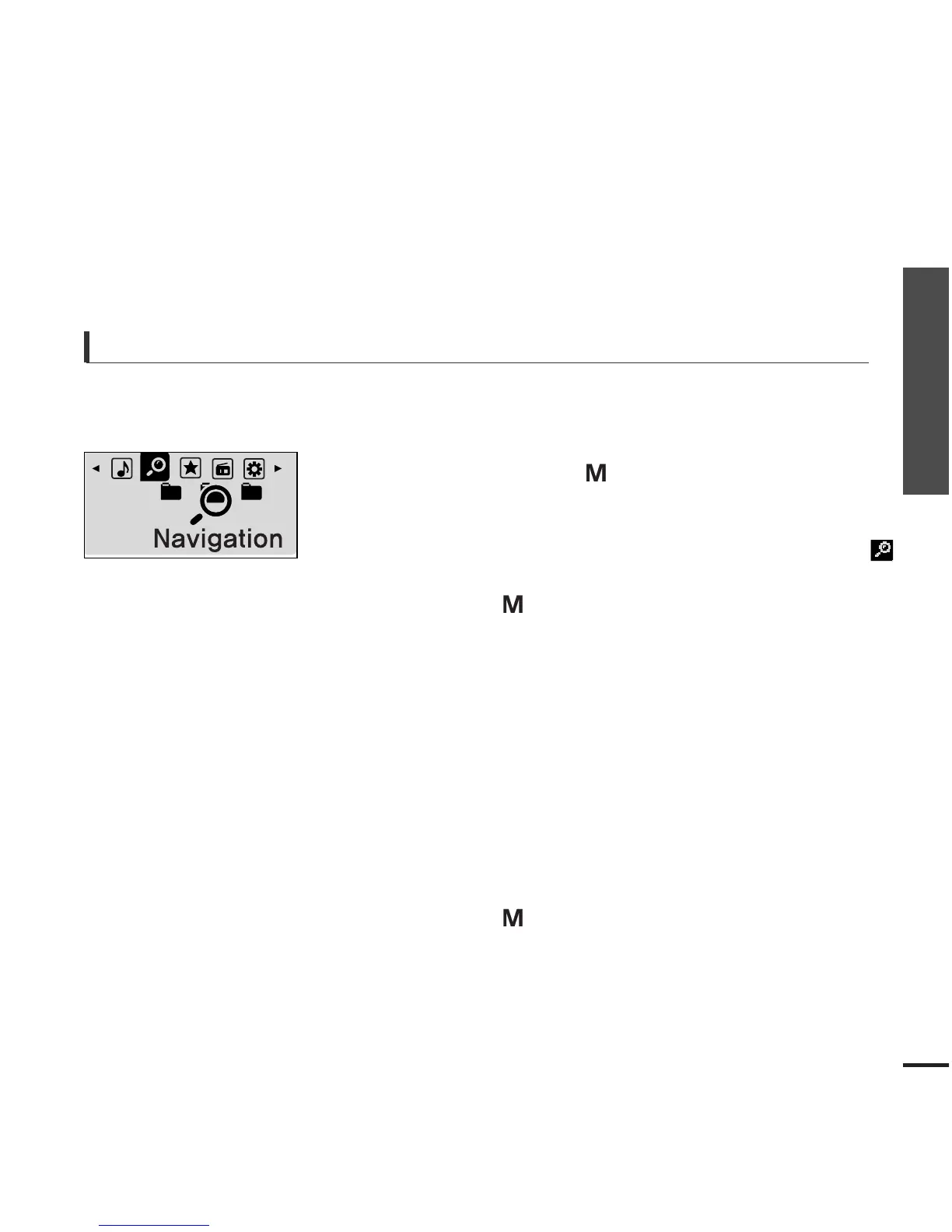
Searching for Files with <Navigation>
Search easily for files using the <Navigation> function.
5
Use the [
√√
I] button to move to the file list in the
selected folder.
■
Use the [
√√
I
] button to move to the lower step, the [
lœœ
]
button to the upper step.
4
Press the [
+
,
-
] button to select a folder of your choice.
7
Press the [ ] button.
■
The selected file will start playing.
Press and hold the [ ] button to move to the menu
screen.
1
Press the [ ] button.
■
The <Navigation> folder list will appear.
3
Press the [
+
,
-
] button to select a file of your choice.
6
2
Press the [
lœœ
,
√√l
] button to select <Navigation> .



 To Next Page