Press the [ + , - ] button to select either <Yes> or <No>
and then press the [ ] button.
■
<Yes> : Initializes all settings to default.
■
<No> : Cancels default settings.
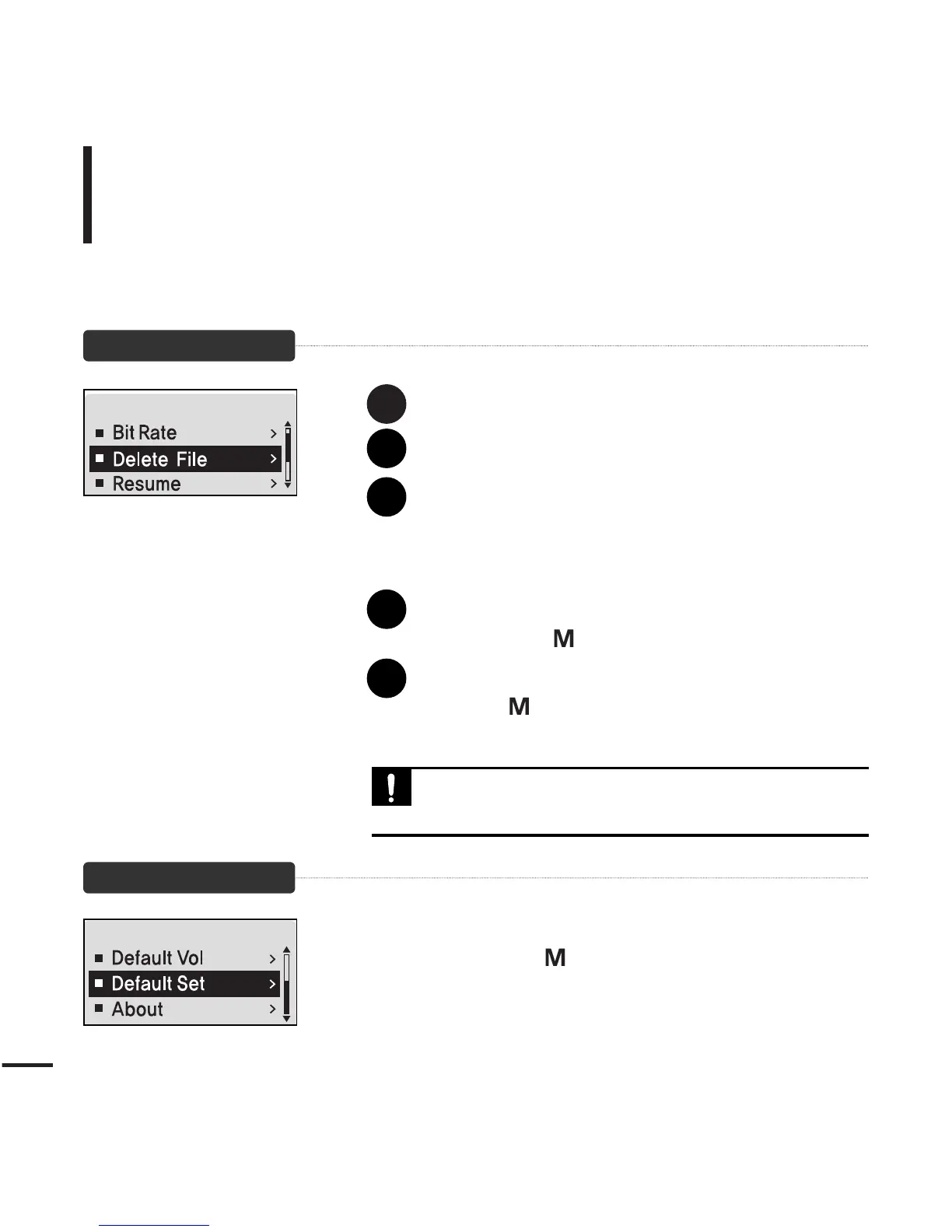
To Delete a File
Default Settings
Press the [
lœœ
] button to move to the upper folder.
Press the [ + , - ] button to select a folder of your choice.
Use the [
√√l
] button to move to the file list of
selected folder.
■
Use the
[
√√l
]
button to move to the lower level, the
[
lœœ
]
button to the upper level.
Press the [ + , - ] button to select a file to delete and
then press the [ ] button.
Press the [ + , - ] button to select <Confirm> and then
press the [ ] button.
■
The selected file will be deleted.
■ Files cannot be restored after they are deleted. Please check
before deleting files.
CAUTION
1
2
3
4
5



 To Next Page