16 _ the basics
CARING FOR THE BATTERY
Your battery will last longer if you follow these simple guidelines for caring and
storing the player.
•
Recharge the battery within the temperature range of 5°C~35°C (40°F~95°F).
• Do not overcharge (longer than 12 hours).
Excessive charging or discharging may shorten the battery’s life.
• Battery life naturally shortens slowly over time.
If you are charging the player while it is connected to a laptop computer, make sure
the laptop’s battery is also fully charged or that the laptop is plugged into its power
sourc
e.
TURNING THE POWER ON & OFF
Turning the Power on
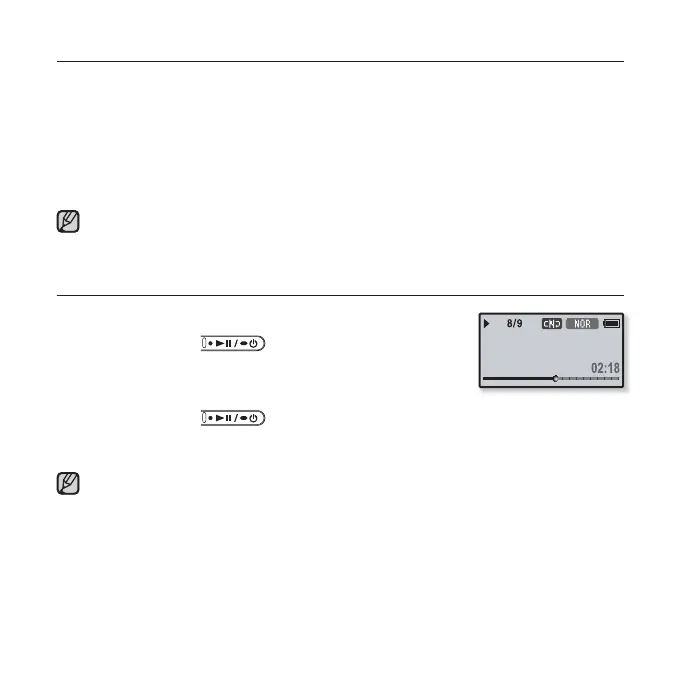
Press and hold the
[ ] button.
Power is turned on.
Turning the Power off
Press and hold the
[ ] button.
Power is turned off.
Your mp3 player will be automatically turned off when none of the buttons have
been pressed for a specifi c length of time in the pause mode. The factory setting for
<Auto Power Off> is 1 minute, but you can change this length of time. See
page 33
for more information.
NOTE
NOTE
Rising Sun



 To Next Page