the basics _ 31
CHANGING THE SETTINGS AND PREFERENCES (Continued)
Date/Time Settings
Setting the time will allow the unit to correctly date and time stamp
recorded fi les.
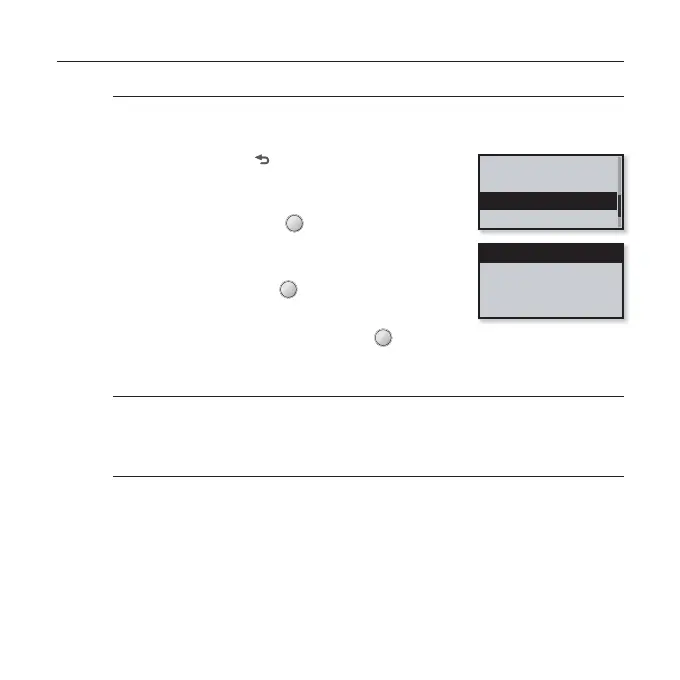
1. Press and hold [ ] to move to the main menu
screen.
2.
Tap the [Left, Right] button to select
<Settings> and tap [ ].
The <Settings> menu appears.
3.
Tap the [Up, Down] button to select <Date/
Time Set> and tap [ ].
The <Date/Time Set> menu appears.
4.
Use the [Up, Down] button and [ ] to set functions.
Date/Time setting options
Date: You can set the current date. Tap the [Left, Right] button to move to Year,
Month, Date and tap the [Up, Down] button to set each item.
Time: You can set the current time. Tap the [Left, Right] button to move to Hour,
Min, AM/PM and tap the [Up, Down] button to set each item.
Display
Language
Date/Time Set
System
Date
Time



 To Next Page