50 _ listening to music
DELETING A FILE FROM THE PLAYLIST
1. Press and hold [ ] to move to the main menu screen.
2. Tap the [Left, Right] button to select <Music> and
tap [
].
The <Music> list appears.
3.
Tap the [Up, Down] button to select <Playlists> and
tap [ ].
The playlist(s) appear.
4. Tap the [Up, Down] button to select the playlist of your
choice and tap [ ].
Music fi les stored in the selected playlist appear.
5.
Tap the [Up, Down] button to select a fi le to delete from the playlist and press
the
[ ]
button.
The Playlist menu appears.
6. Tap the [Up, Down] button to select <Delete from Playlist> and tap [ ].
The delete confi rmation window appears.
7. Tap the [Left, Right] button to select <Yes> and tap [ ].
The selected fi le is deleted from the playlist.
DELETING ALL FILES FROM THE PLAYLIST
Follow the steps 1-4 above.
5. Press the [
] button.
The Playlist menu appears.
6. Tap the [Up, Down] button to select <Delete All from
Playlist> and tap [ ].
The delete confi rmation window appears.
7. Tap the [Left, Right] button to select <Yes> and tap [ ].
All fi les are deleted from the playlist.
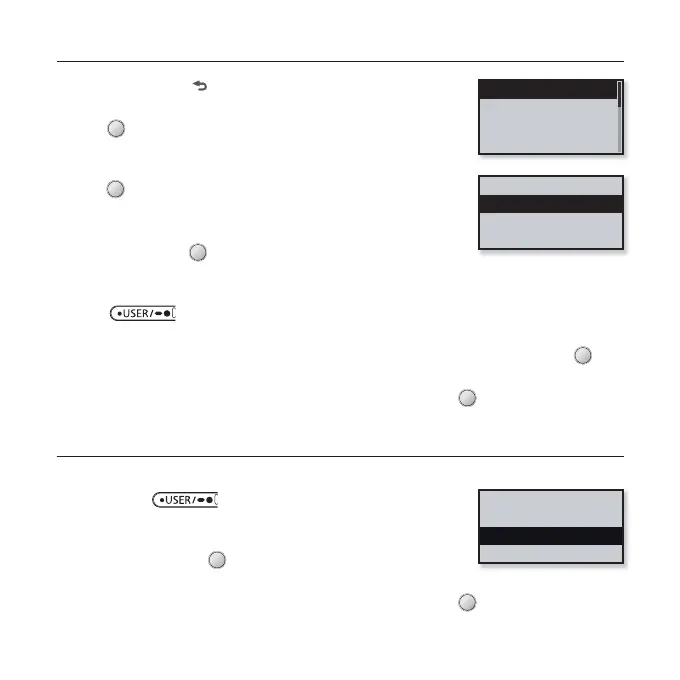
Playlist 1
Playlist 2
Playlist 3
Playlist 4
Add to Playlist
Delete from Playlist
Delete All from P...
Add to Playlist
Delete from Playl...
Delete All from Play



 To Next Page