48 _ listening to music
CREATING A PLAYLIST ON YOUR MP3 PLAYER
If you’ve already downloaded fi les to your mp3 player, you can create a
“Favorites” playlist without Media Studio or your PC.
1. Press and hold [ ] to move to the main menu screen.
2. Tap the [Left, Right] button to select <File Browser>
and tap [ ].
3. Tap the [Up, Down] button to select <Music> and
tap [ ].
The music fi le(s) appear.
4. Tap the [Up, Down] button to select a fi le to add to the
playlist list and press the [ ] button.
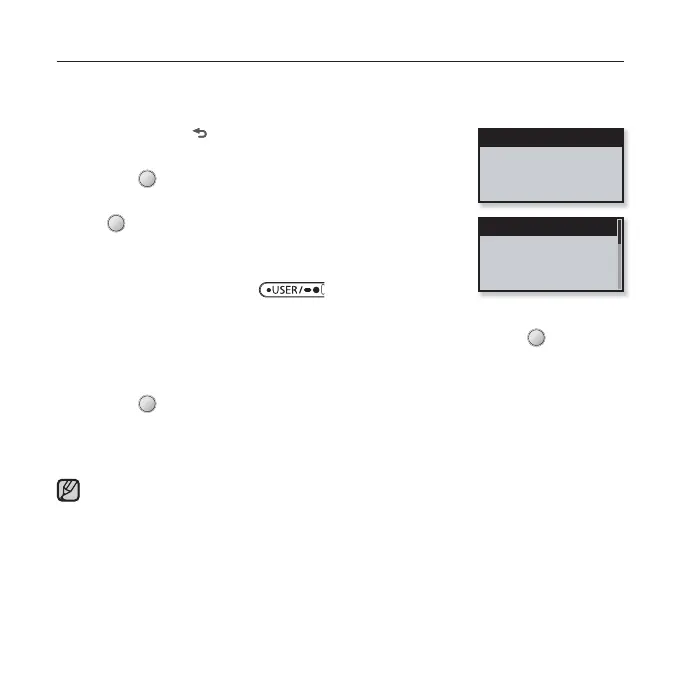
The Playlist menu appears.
5.
Tap the [Up, Down] button to select <Add to Playlist> and tap [ ].
<Playlist 1> to <Playlist 5> appears.
6. Tap the [Up, Down] button to select a playlist number to add the selected fi le
and tap [ ].
The selected fi le will be added to the playlist.
You can check the playlist in <Music> ĺ <Playlists> ĺ <Playlist 1> to <Playlist 5> in
the main menu.
You can add up to 400 music fi les to each playlist (<Playlist 1> to <Playlist 5>).
NOTE
Add to Playlist
Delete from Playl...
Delete File
Playlist 1
Playlist 2
Playlist 3
Playlist 4



 To Next Page