listening to music _ 43
LISTENING BY CATEGORY (Continued)
Music List
File information including the artist name, album name, music title and genre will be
displayed according to the ID3 Tag information on the appropriate music fi le. A fi le without
an ID3 Tag is displayed as [Unknown].
Now Playing :
Plays a recently played fi le or moves to the playback screen of the current fi le.
Artists : To play by artist Albums : To play by album
Songs : To play in numeric or alphabetical order Genres : To play by genre
Playlists : To play by Playlist.
Recently Added: The player displays the fi le list, sorted by the transferred date.
Recorded Files : Shows all recorded fi les.
Music Browser : Shows all the music fi les stored in the Music Folder.
MP3 and WMA music fi les are compatible with the player.
MP1 or MP2 fi les which only have a changed extension to MP3 may not play on the
player.
What is an ID3 Tag?
This is what is attached to an MP3 to carry information relevant to the fi le such as
the title, artist, album, year, genre and a comment fi eld.
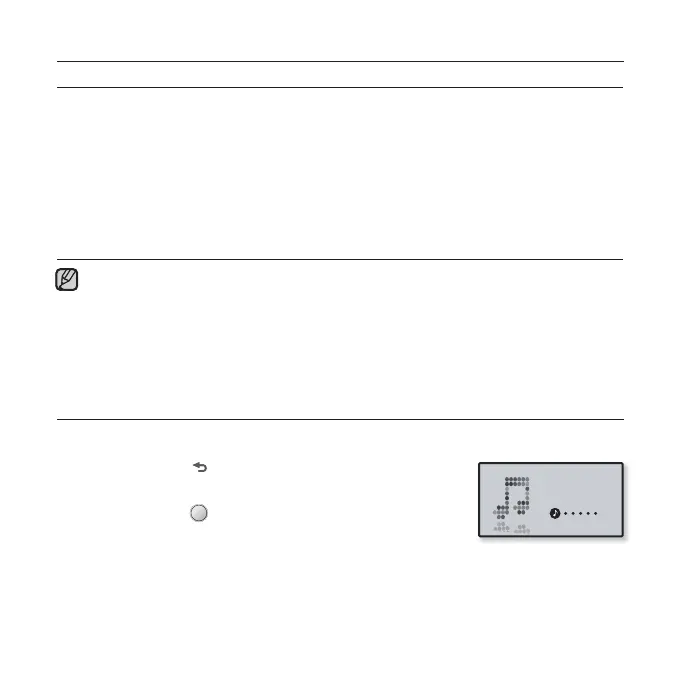
TO SWITCH BACK TO THE CURRENT PLAY SCREEN
You can return to the current play screen at any time while using other functions.
1. Press and hold [ ] to move to the main menu screen.
2. Tap the [Left, Right] button to select <Music> and
press and hold [ ].
The player switches back to the current play screen.
NOTE
Music



 To Next Page