64 _ more than music
VOICE RECORDING
You can record your own voice, speeches, lectures, and other outside sounds
with your mp3 player.
To make a voice recording
Method 1
You can record a voice recording at any time
while using other functions.
Press and hold the
[ ] button.
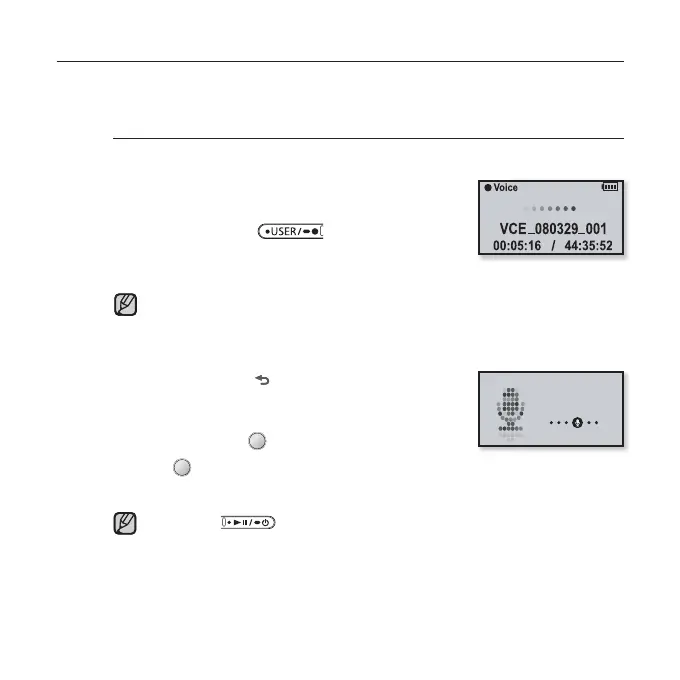
Voice recording will start as soon as the fi le name is
displayed.
FM radio recording will be started while you are listening to FM broadcasting.
Method 2
1. Press and hold [ ] to move to the main menu
screen.
2. Tap the [Left, Right] button to select <Voice
REC> and tap [
].
3. Tap [ ].
Voice recording will start as soon as the fi le name is displayed.
Press the [ ] button if you want to pause recording.
NOTE
NOTE
Voice REC



 To Next Page