more than music _ 65
VOICE RECORDING (Continued)
To stop voice recording
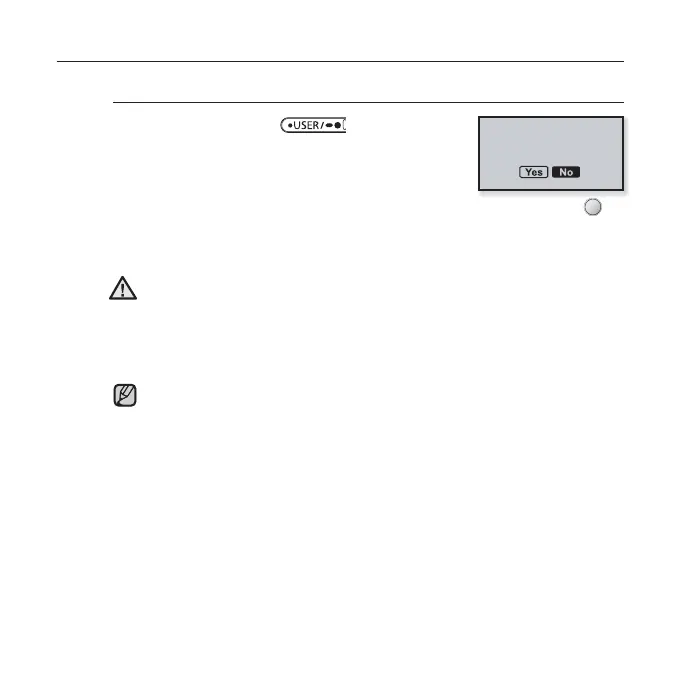
1. Press and hold the [ ] button when
you want recording to stop.
A message appears asking you if you want to listen
to the fi le you just recorded.
2. Tap the [Left, Right] button to select <Yes> or <No> and tap [ ].
Selecting <Yes> will play the just recorded fi le.
Selecting <No> will not play the recorded fi le.
Do not put the microphone too close to or far away from your mouth as it
may cause a poor recording.
Voice recording does not perform properly when the battery is low.
The recorded fi le is stored in <File Browser> ĺ <Recorded Files> ĺ
<Voice>
.
Each voice recording fi le can be as long as 5 hours.
You can store a maximum of 999 fi les for voice recording.
You can make a recording for up to approximately 42 hours. (based on
96Kbps, 2GB)
The recording fi le name will be automatically specifi ed, for example, as
such as “VCE_YYMMDD_XXX.mp3”. “VCE” means voice recording,
“YYMMDD” indicates the recorded date and “XXX” is the recording fi le
number.
NOTE
CAUTION
Playback recorded
fi le?



 To Next Page