the basics _ 23
CHANGING THE SETTINGS AND PREFERENCES (Continued)
FM Radio Settings
You can set FM radio frequencies automatically and also select the FM
Radio mode, receiving area and sensitivity.
1. Press and hold [ ] to move to the main menu
screen.
2.
Tap the [Left, Right] button to select
<Settings> and tap [ ].
The <Settings> menu appears.
3.
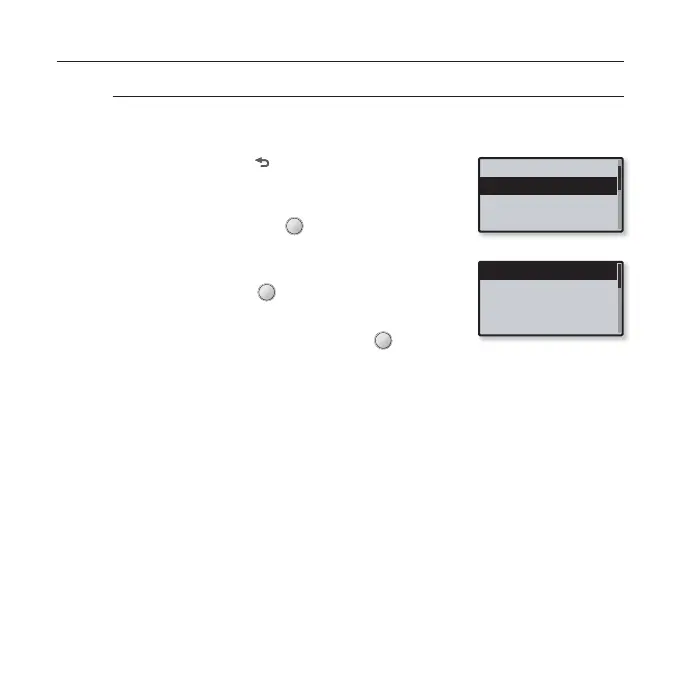
Tap the [Up, Down] button to select <FM
Radio> and tap [ ].
The <FM Radio> menu appears.
4.
Use the [Up, Down] button and [ ] to set
functions.
Music
FM Radio
User Button Mode
Sound
Mode
Auto Preset
FM Region
FM Sensitivity



 To Next Page