listening to music _ 49
PLAYING A PLAYLIST
1. Press and hold [ ] to move to the main menu screen.
2. Tap the [Left, Right] button to select <Music> and
tap [ ].
The <Music> list appears.
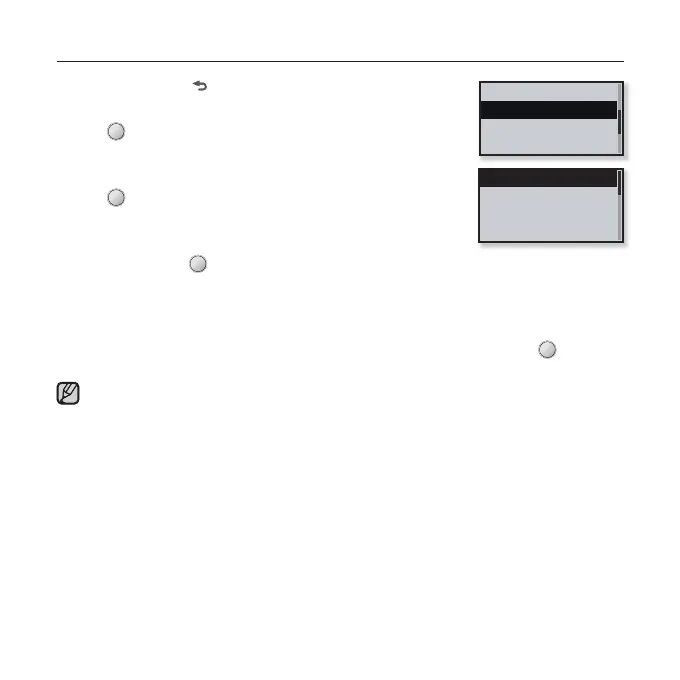
3. Tap the [Up, Down] button to select <Playlists> and
tap [ ].
The playlist(s) appear.
4. Tap the [Up, Down] button to select the playlist of your
choice and tap [ ].
Music fi les stored in the selected playlist appear.
If there is no fi le found in the selected playlist, you will see a <No fi le> message on the
screen.
5. Tap the [Up, Down] button to select a music fi le to play and tap [ ].
The music fi le will start playing.
See pages 45 and 47 to see how to transfer the playlist using <Media Studio>.
Playlist 1
Playlist 2
Playlist 3
Playlist 4
NOTE
Genres
Playlists
Recently Added
Recorded Files



 To Next Page