the basics _ 27
CHANGING THE SETTINGS AND PREFERENCES (Continued)
Sound Settings
You can set the beep sound and volume limit.
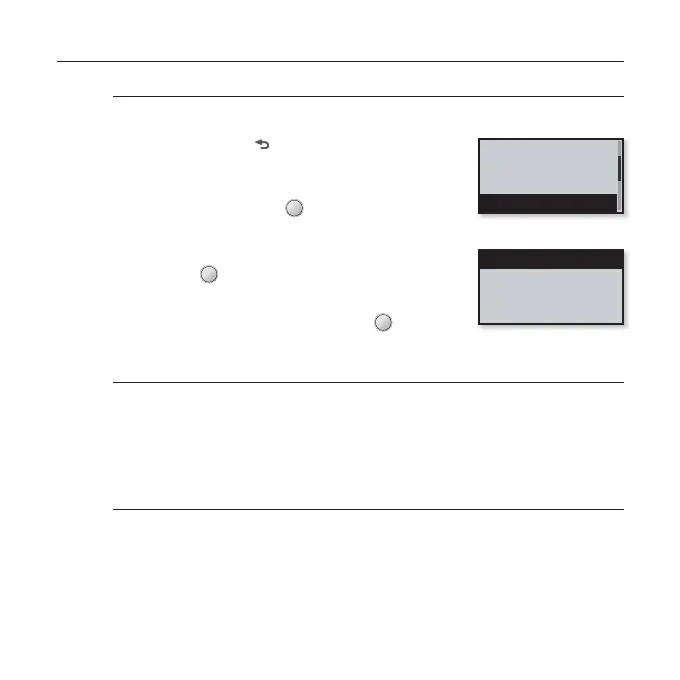
1. Press and hold [
] to move to the main menu
screen.
2.
Tap the [Left, Right] button to select
<Settings> and tap [ ].
The <Settings> menu appears.
3.
Tap the [Up, Down] button to select <Sound>
and tap [ ].
The <Sound> menu appears.
4.
Use the [Up, Down] button and [ ] to set
functions.
Sound Setting Options
Beep Sound: Sets the beep sound for button operations to on or off. Select from
<Off> and <On>.
Volume Limit: You can avoid hearing damage by setting the limit of the volume
when using the earphone. <On> will limit the maximum volume level to 15.
The maximum volume level when volume limit is set to <Off> is 30. Even if you
have selected <Off>, the volume will be set back to 15 to avoid hearing damage
when you turn the player back on.
Music
FM Radio
User Button Mode
Sound
Beep Sound
Volume Limit



 To Next Page