26 _ the basics
CHANGING THE SETTINGS AND PREFERENCES (Continued)
To set RDS Display
Radio Data System(RDS) provides the reception and display of
messages such as broadcasting information. The program information
such as News, Sports or Music, or the broadcasting station information
is displayed on the screen.
1.
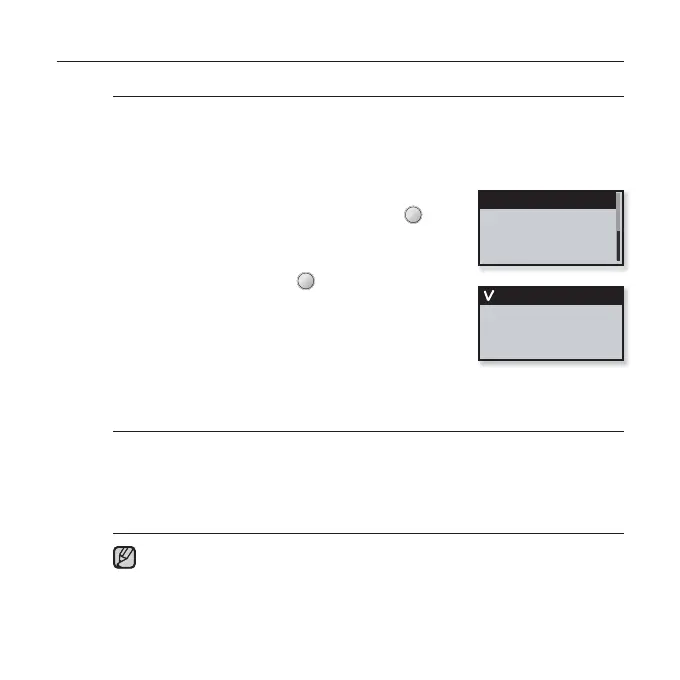
Tap the [Up, Down] button in the FM Radio setting
menu to select <RDS Display> and tap [ ].
The <RDS Display> menu appears.
2.
Tap the [Up, Down] button
to select the RDS
display mode and
tap [ ].
Select either <Program Type> or <Program
Service>.
RDS Display Options
Program Type : Displays the type of program currently being broadcast.
Program Service : Displays the name of broadcasting station and is composed
of
8 characters. If the Program Service information is being received, the Program
Service name (BBC, AFO, NDR, etc.) is shown on the display. If the Program
Service information isn’t received, the original FM frequency is shown.
If FM signal strength is weak, the RDS information might not be displayed.
RDS Display
Program Type
Program Service
NOTE



 To Next Page