the basics _ 25
CHANGING THE SETTINGS AND PREFERENCES (Continued)
To set Auto Preset
You can preset up to
30 stations in your MP3 player’s memory and
return to them with the press of just one button. Have the MP3 player
fi nd and store stations automatically.
Automatic – automatically store all the stations the player receives
1.
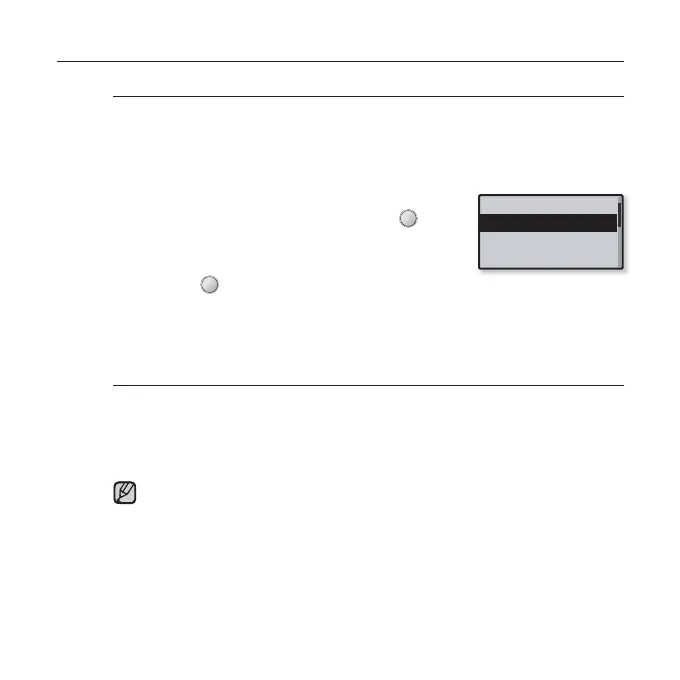
Tap the [Up, Down] button in the FM Radio setting
menu to select <Auto Preset> and tap [ ].
The Auto Preset confi rmation window will appear.
2. Tap the [Left, Right] button to select <Yes>
and tap [ ]
.
Up to 30 frequencies are automatically set.
When you have completed your settings, tap the [Left, Right] button to
select a desired preset frequency in Preset mode.
To cancel Auto Preset
If you want to cancel the auto preset, press any button in the process.
The auto preset setting is canceled, and only frequencies set up to that point
are stored.
Always connect your earphones to the player when searching or setting
frequencies and listening to FM Radio.
The earphones serve as antennas to receive FM radio reception.
In poor reception areas, the player may not be able to fi nd an available FM
frequency.
You may want to re-set the stored stations if you’re going to listen to your
MP3 player in a different city. To delete the preset stations and store new
ones, simply repeat the process.
NOTE
Mode
Auto Preset
FM Region
FM Sensitivity



 To Next Page