66 _ troubleshooting
troubleshooting
If you have a problem with your new mp3 player, check for a solution in
this list. If the problem persists, contact
your local Samsung Customer
Service
Centre.
PROBLEM SOLUTION
Power will not turn on.
• Power will not turn on if the battery is
completely drained. Recharge the battery and
turn the power on again.
• Press the Reset hole.
Buttons do not work.
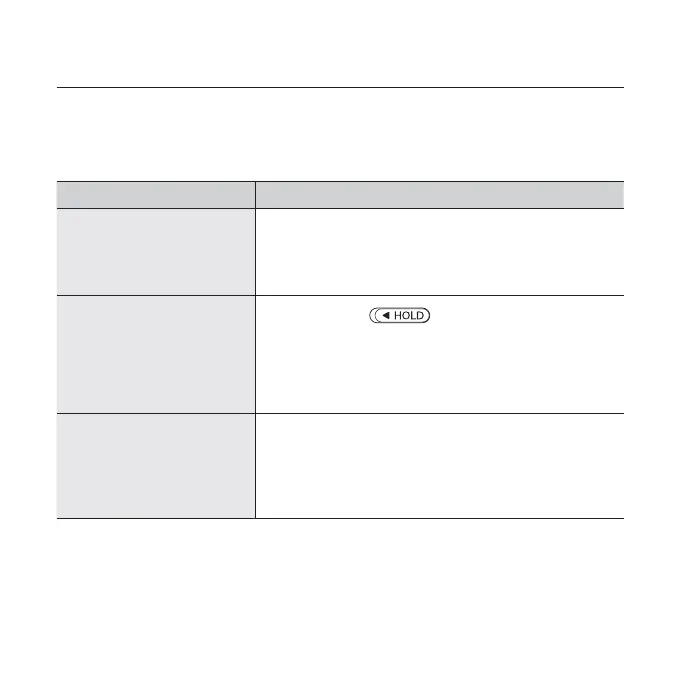
• Check if the switch is in the direction
of the arrow position.
• Check if you pressed the right button, then
press again.
• Press the Reset hole.
The screen will not
turn on.
• If <Display Off> is selected from <Settings>
ĺ <Display>, the screen display can be
turned off. Tap any button and see if it turns on.
• The screen may not be visible under direct
sunlight.



 To Next Page