the basics _ 19
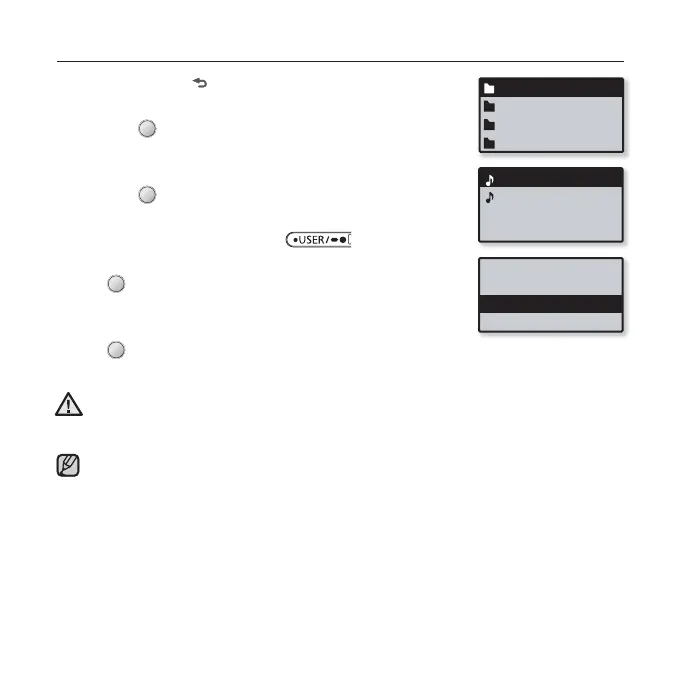
DELETING FILES WITH “File Browser”
1. Press and hold [ ] to move to the main menu screen.
2. Tap the [Left, Right] button to select <File Browser>
and tap [ ].
The <File Browser> folder list appears.
3. Tap the [Up, Down] button to select a desired folder
and tap [ ].
4. Tap the [Up, Down] button to select the fi le that you
want to delete and press the [ ] button.
5. Tap the [Up, Down] button to select <Delete File> and
tap [ ].
The confi rmation window will appear.
6. Tap the [Left, Right] button to select <Yes> and
tap [ ].
The fi le will be deleted
Once fi les are deleted, they cannot be recovered.
The currently played fi le will not be deleted.
CAUTION
Music
Playlists
Datacasts
Recorded Files
NOTE
Music Space.mp3
Rising Sun.mp3
Add to Playlist
Delete from Playl...
Delete File



 To Next Page