the basics _ 35
CHANGING THE SETTINGS AND PREFERENCES (Continued)
When the pc connection is set to <removable disk> (Continued)
Disconnecting from your PC
Follow the steps below to prevent damage to the player and data when
disconnecting from your PC.
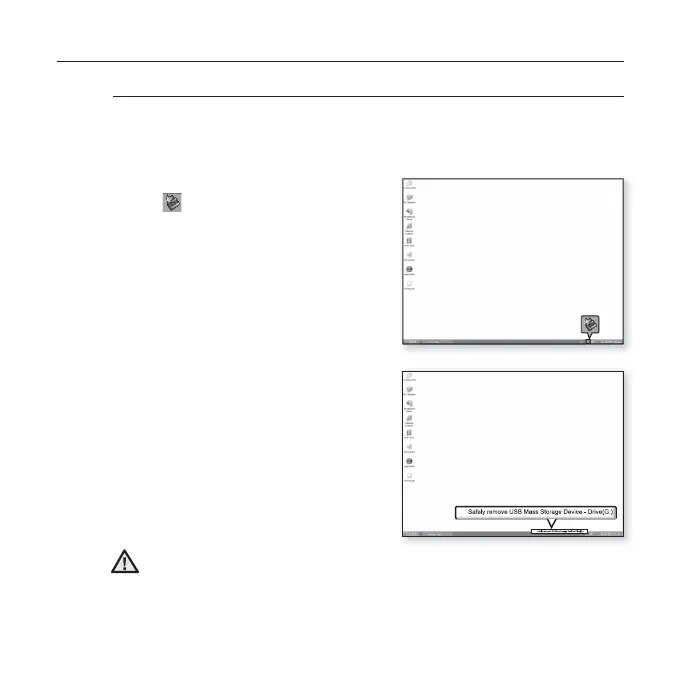
1. Place the mouse cursor on top of
the icon on the taskbar at the
bottom right corner of the desktop
and click the left mouse button.
2.
Click the <Safely Remove USB
Mass Storage Device Drive>
message.
3.
Disconnect the player from your
PC.
Do not disconnect the player from the PC during fi le transfer. This may
cause damage to data and the player.
You cannot safely disconnect the player while fi les within the player are
being played on your PC. Please retry after fi le playback is fi nished.
CAUTION
1
2



 To Next Page