54 _ listening to music
USER BUTTON CUSTOM FUNCTION (Continued)
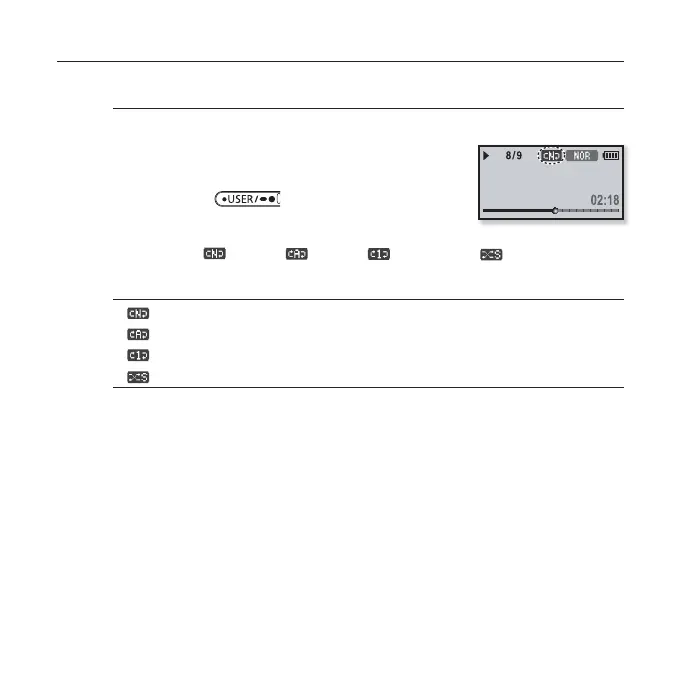
To use the Play Mode button
Select playback mode such as repeat settings.
1. Set the User Button Mode to <Play Mode> and
play a fi le of your choice.
2. Press the [ ] button to select a
desired play mode.
Playback mode changes in the following order each time the button is
pressed
(Normal)ґ (Repeat)ґ (Repeat One) (Shuffl e).
Play Mode Options
: Plays all fi les of the current music list in order one time.
: Repeats playing all fi les of the current music list.
: Repeats playing one fi le.
: Repeats playing all fi les of the current music list at random.
Rising Sun



 To Next Page