SAMWONTECH
2nd Edition of TEMP2000_Series IM : July. 16. 2010 Page 81 / 87
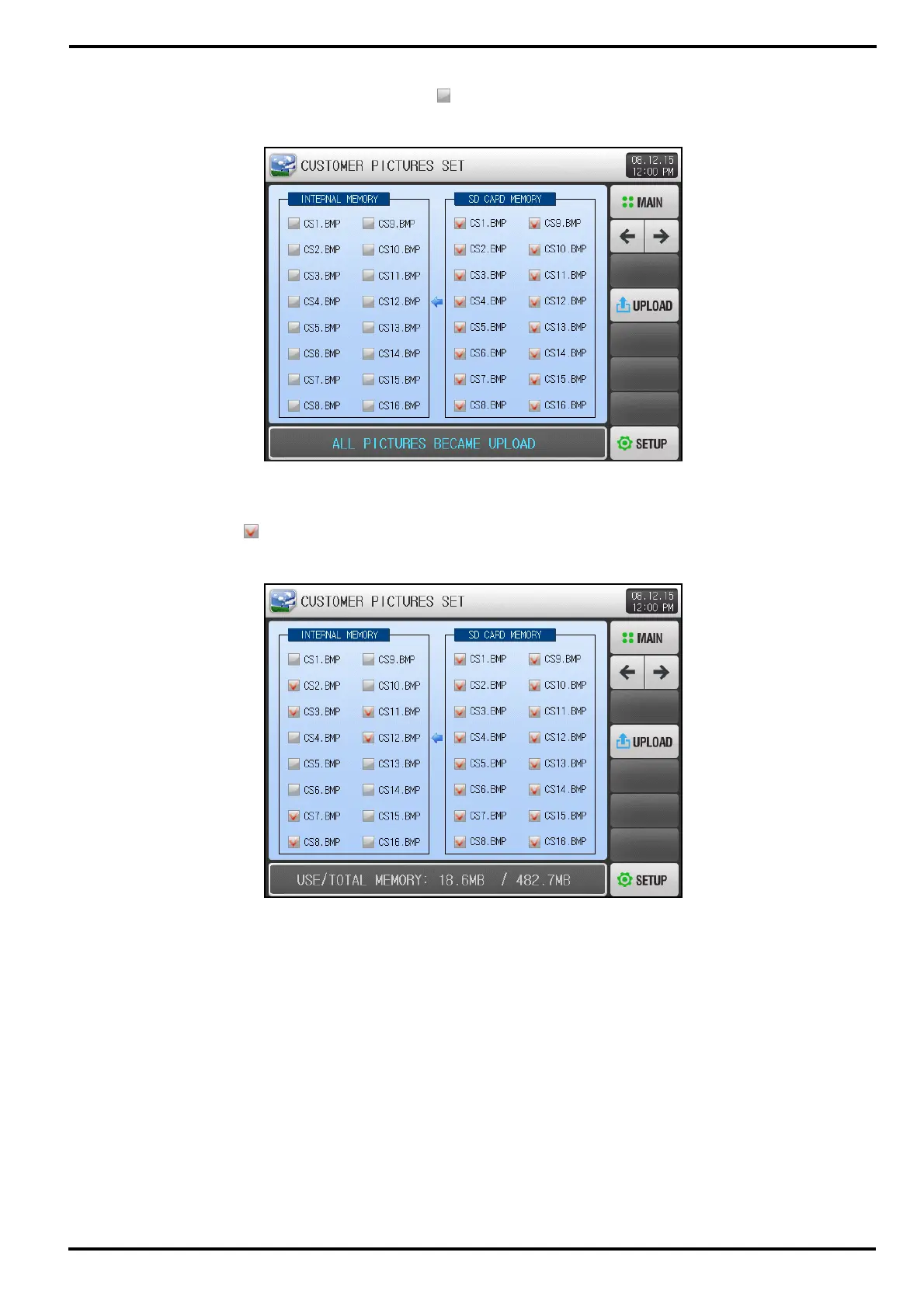
▶ “UPLOAD COMPLETED” message is displayed when all pictures are uploaded.
▶ Picture files in internal memory are activated (
) for selection.
▶ Select desired file (
) to use as Customer Picture Screen.
[Figure 12-4] Picture View Setup Screen-2/3
[Figure 12-5] Picture View Setup Screen-2/4



 To Next Page