Page 33
Product Settings
SLEEP
Set Sleep Time
ENGLISH DEUTSCHFRANCAIS ITALIANO
Set Alarm 1
Set Time
& Date
Update 12/24 HR
Set Alarm 2
Display
Version
FAC TORY
RESET
LANGUAGE
Set Language
TIME
Set Date & Time
ALARM
Set the Alarm
SW VERSION
15
min.
O
Yes No
30
min.
45
min.
60
min.
90
min.
This menu tree shows your options when conguring the radio.
These menus are available in both DAB and FM modes.
• Setting procedures are described on the next pages.
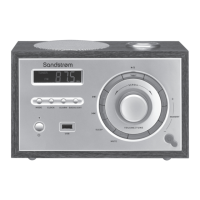
BASIC PROCEDURE
1. Press the MODE/MENU control to enter the main menu.
2. Rotate TUNE/SELECT to select a menu option.
3. Press TUNE/SELECT to conrm and enter the menu option.
4. Execute the procedure. Press TUNE/SELECT to conrm.
SDABXCR13_IB_160929_will.indd 33 30/9/2016 2:37 PM





 To Next Page