Page 9
STANDBY
1
2
3
4
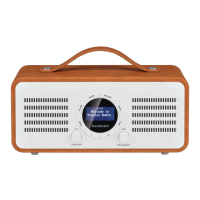
1. MODE/MENU Control
Rotate to select DAB/FM mode.
Press to display the menu.
2. VOLUME/STANDBY Control
Rotate to alter the volume.
Press to switch the radio on and o.
3. DISPLAY SCREEN
4. TUNE/SELECT Control
Rotate to tune a station/select a menu item.
Press to conrm a selection.
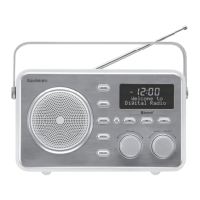
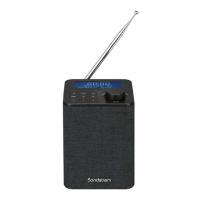
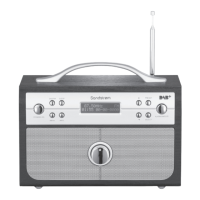
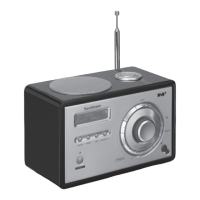
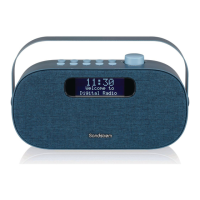
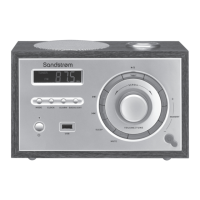
Controls and Connections - Front View
SDABXCR13_IB_160929_will.indd 9 30/9/2016 2:37 PM






 To Next Page