6
3 Installation
Unpacking Inspection
13.
1. Open the packing box of UPS and take it out, visually examine the unit for transit
damage.
2. Check against the accessory lists that the accessories of the UPS are present.
(Refer to Table 3-1).
3. If the UPS arrives damaged, or there is any missing accessory, please contact the
distributor immediately.
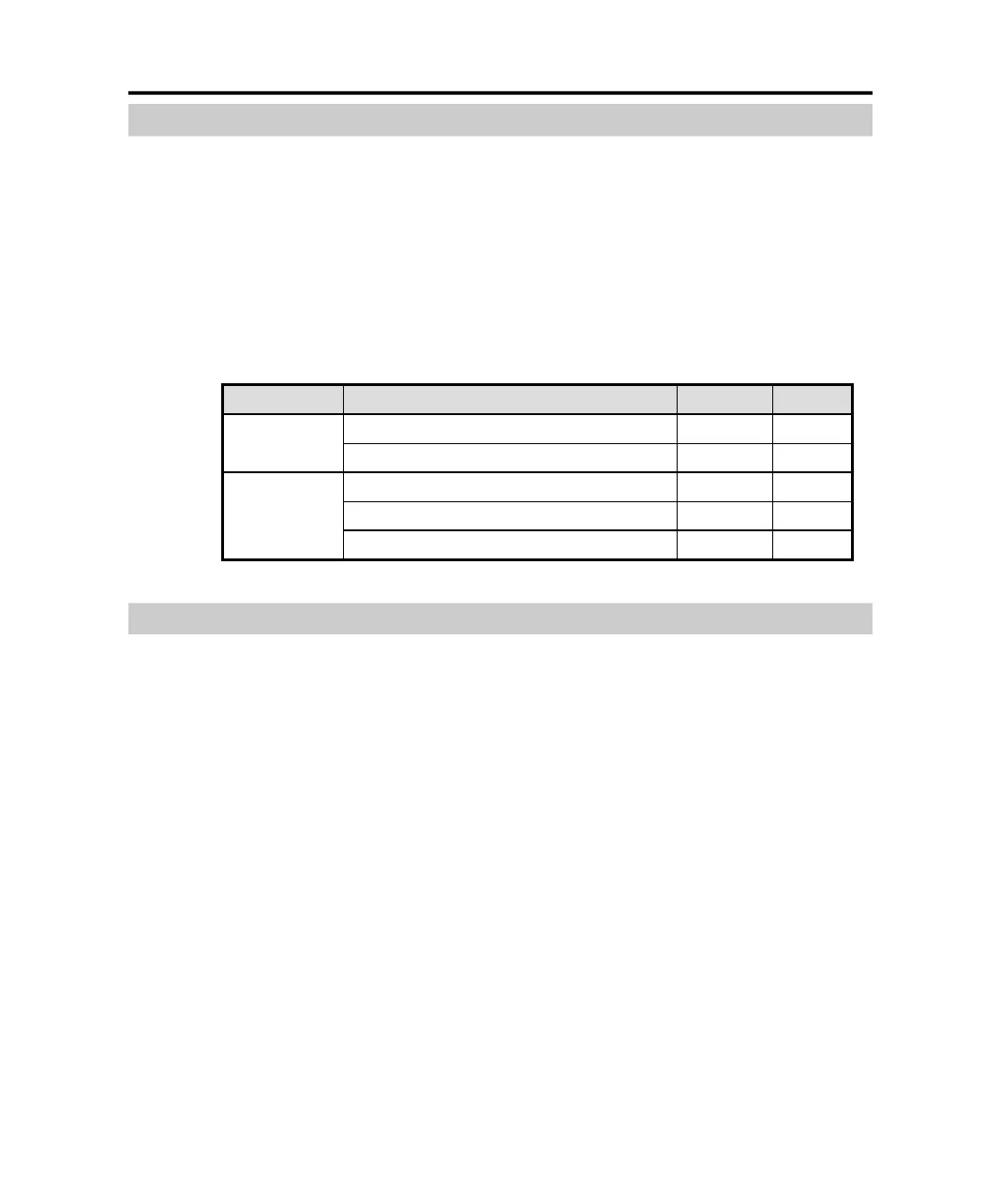
Table 3-1 Accessory list of UPS
Model Accessory Quantity Unit
User manual (CD) 1 Pcs
standard
Simple installation and operation manual
1 Pcs
External Battery Cable 1 Pcs
User manual (CD)
1
Pcs
long backup
time
Simple installation and operation manual
1 Pcs
Installation Notes
23.
1. When locating the UPS, make sure there is no hazardous objects around the UPS,
and that the installation environment meets the specifications.
2. The UPS should not be titled. The air inlet port at the front panel and the outlet
port on the rear panel and two side panels should not be blocked so as to ensure
good ventilation.
3. In case if the UPS is unpacked, installed and used at very low temperatures,
condensations of water drops may appear. It is necessary to wait until the UPS
fully dried inside out before proceeding to installation and use. Otherwise, they
may be a risk of electric shock.
4. Place the UPS near the utility power source outlet which supplies power to the
UPS. In any emergency, switch off the main input socket, cut off the battery
voltage input. All power sockets must be connected with ground protection.
PDF created with pdfFactory Pro trial version www.pdffactory.com



 To Next Page