SINUS MINI High performance Vector Control Inverter User Manual
21
indicator display parameter and its unit respectively.
At this time, running status indicator is ON all the time. Press PRG key to enter programming menu and
view parameter value.
Press ►► key, LED displays running parameter “r-xx” (xx=00~14). Press SET key to enter and view
parameter value; press PRG key to exit this parameter menu; press ►► key to scroll through monitoring
parameters.
3.4.4 Fault alarm state
In stopping, running or programming state, correspondent fault information will be reported if fault is
detected. At this time, LED displays the fault code in flashing mode. When fault alarm occurs, press PRG
key to enter programming menu and look up the fault log.
When fault alarm occurs, the alarm picture is displayed, and the fault can be reset by press
STOP/RESET key. The drive restores to normal operation upon clearing the fault, and the fault code is
displayed again if the fault has not been cleared.
3.5 Panel Operation Method
3.5.1 Panel Operation Procedure
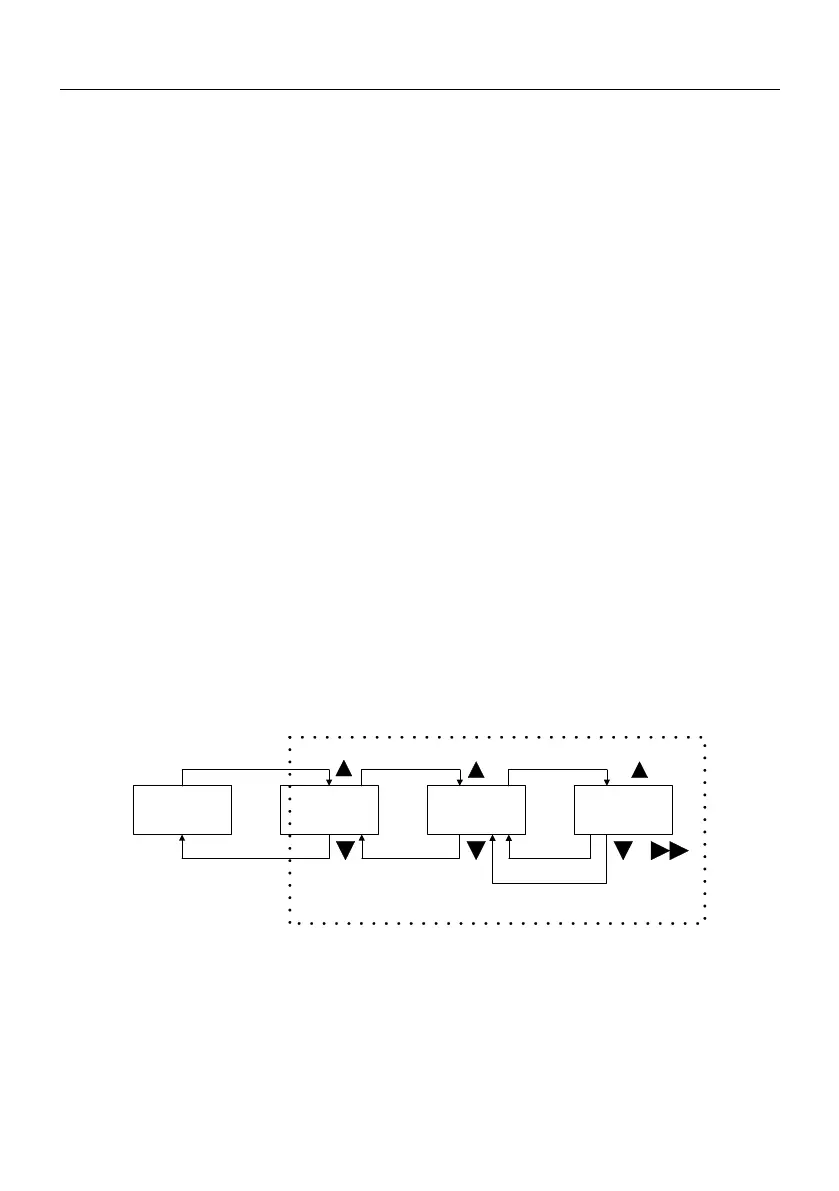
parameter setting method via panel: through three-level menu, users can look up and modify the
function codes very easily.
Three level menu structure: function parameters (first level)→function codes(second level)→value of
function code(third level). Operation process is shown in Fig.4-1.
Stop/run
first level
second level
third level
PRG
PRG
SET
PRG
PRG
SET
function codes set
Fig.4-1 Menu Operation Procedure
In the third level menu, user can return second level menu by pressing PRG key or SET key. The
different is: parameter settings can be saved in control board if SET key is pressed, then LED returns to
second level menu and shifts to next function code automatically; If user presses PRG key, LED returns to
second level menu directly, but the parameters can not be saved and stop at current function code.






 To Next Page