−32−
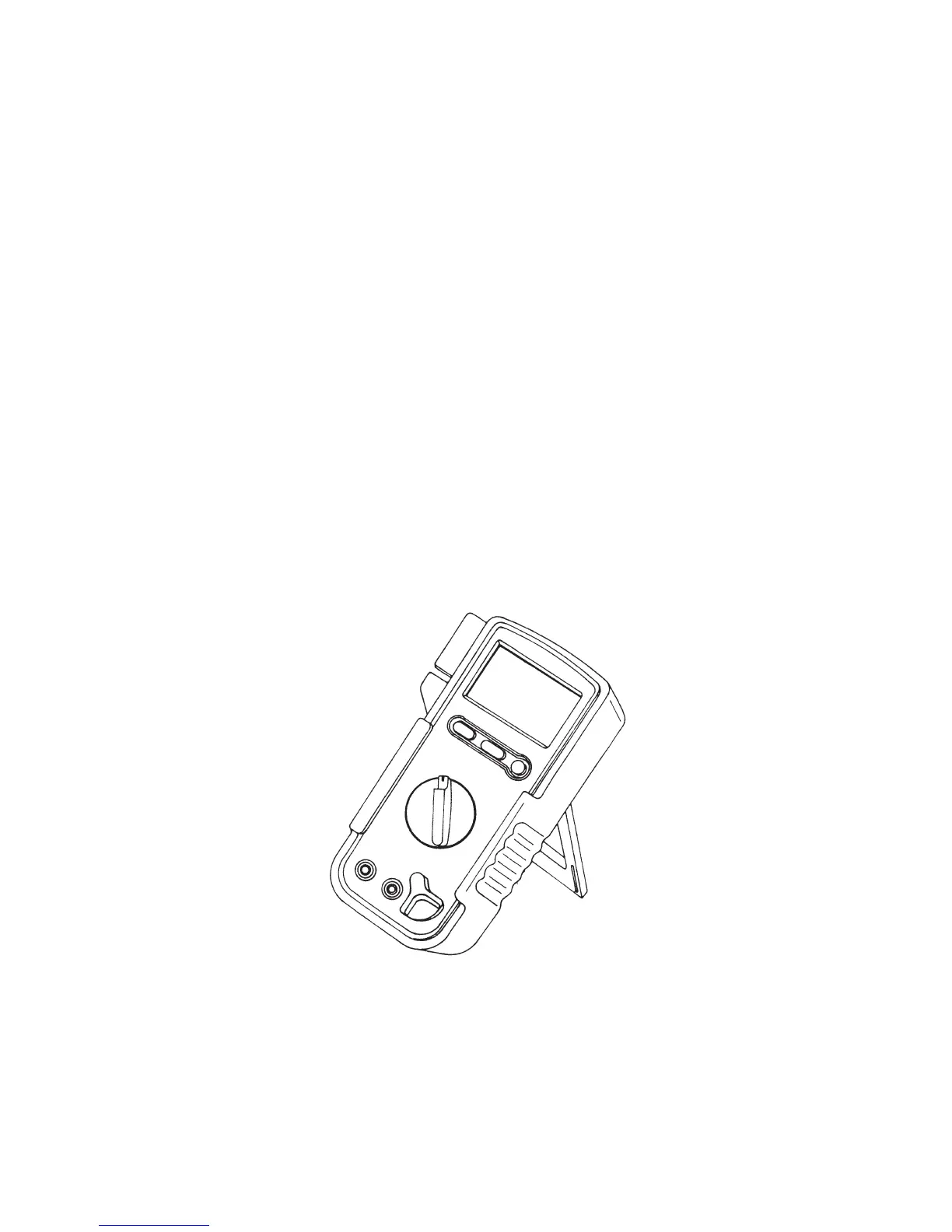
4-2 How to Use the Stand
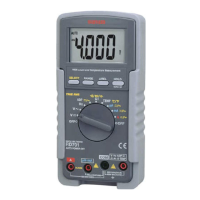
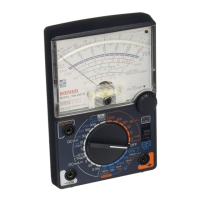
Please use the stand that there is on the side of rear case like a
figure.
○Auto power off, Auto powersave
This device incorporates auto-power-off function that turns off
the display in about 30 minutes to save battery draining. There is
a little battery draining even if the auto power save function is
activated, therefore be sure to return the Power/Function knob to
OFF after measurement. Press the data hold switch before the
auto-power-save function is activated to use the devise
continuously. To deactivate the auto-power-save function, turn
the meter ON while pressing the SELECT button.
○Over Limit (O.L) indication
In case of excess input to this device, the indicator displays O.L.
If O.L is displayed during the voltage function, stop the input
immediately.
〔Fig 3〕


 To Next Page