−36−
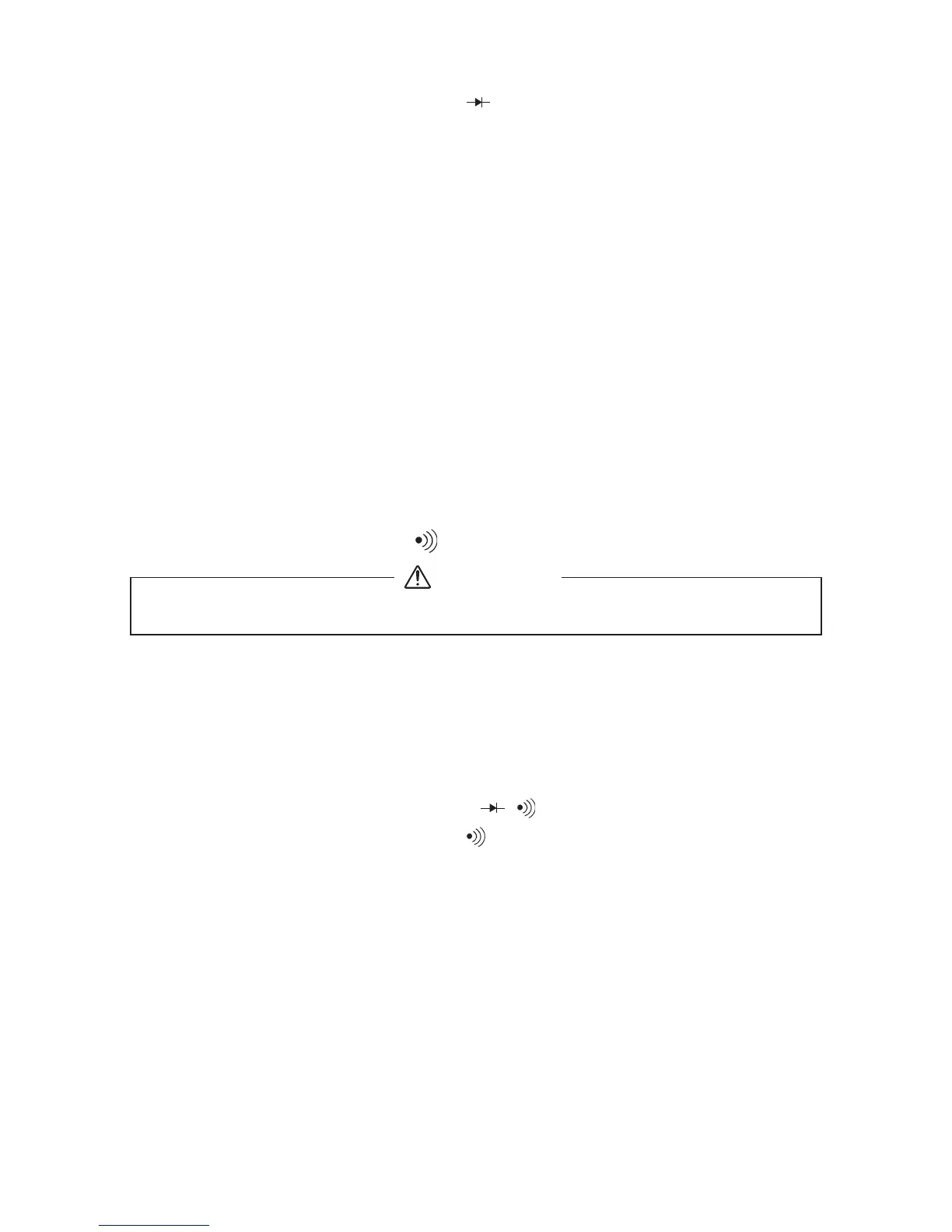
③Select the select switch at " ".
④Apply the black test pin to the cathode of the diode and the red
test pin to the anode.
⑤Make sure that the display shows a diode forward voltage drop.
⑥Replace the red and black test pins, make sure that the display
is the same as that when the test leads are released.
⑦After measurement, release the red and black test pins from the
object measured.
⑧Turn the function switch to the position of OFF.
Judgement
When the items ⑤ and ⑥ are normal, the diode is good.
●The input terminals release voltage is about 1.1〜1.5 V.
●If the diode forward voltage exceeds the release voltage, O.L is
displayedeven in a test in the forward direction.
⑥After measurement, release the red and black test pins from the
object measured.
⑦Turn the function switch to the position of OFF.
●The buzzer sounds when the resistance in a circuit to measure is
less than about 10〜1201.
●Even if the buzzer does not sound, a resistance value up to 10〜
1201 will be displayed.
5-5 Checking Continuity ( )
Never apply voltage to the input terminals.
WARNING
⑤
The continuity can be judged by whether the buzzer sounds or not.
1) Application
Checking the continuity of wiring and selecting wires.
2) Measurement procedure (See Fig 9, page 12)
①Connect the black plug of the test lead to the COM − input
terminal and the red plug to the + input terminal.
②Set the function switch at "1/ / " function.
③Select the select switch at " " .
④
Apply the red and black test pins to a circuit or conductor to measure.


 To Next Page