−37−
●The input terminals release voltage is about 0.4 V.
●When a resistance value is in a range of 20 and 401 , noise will
be mixed in the buzzer sound. But it is not malfunction.
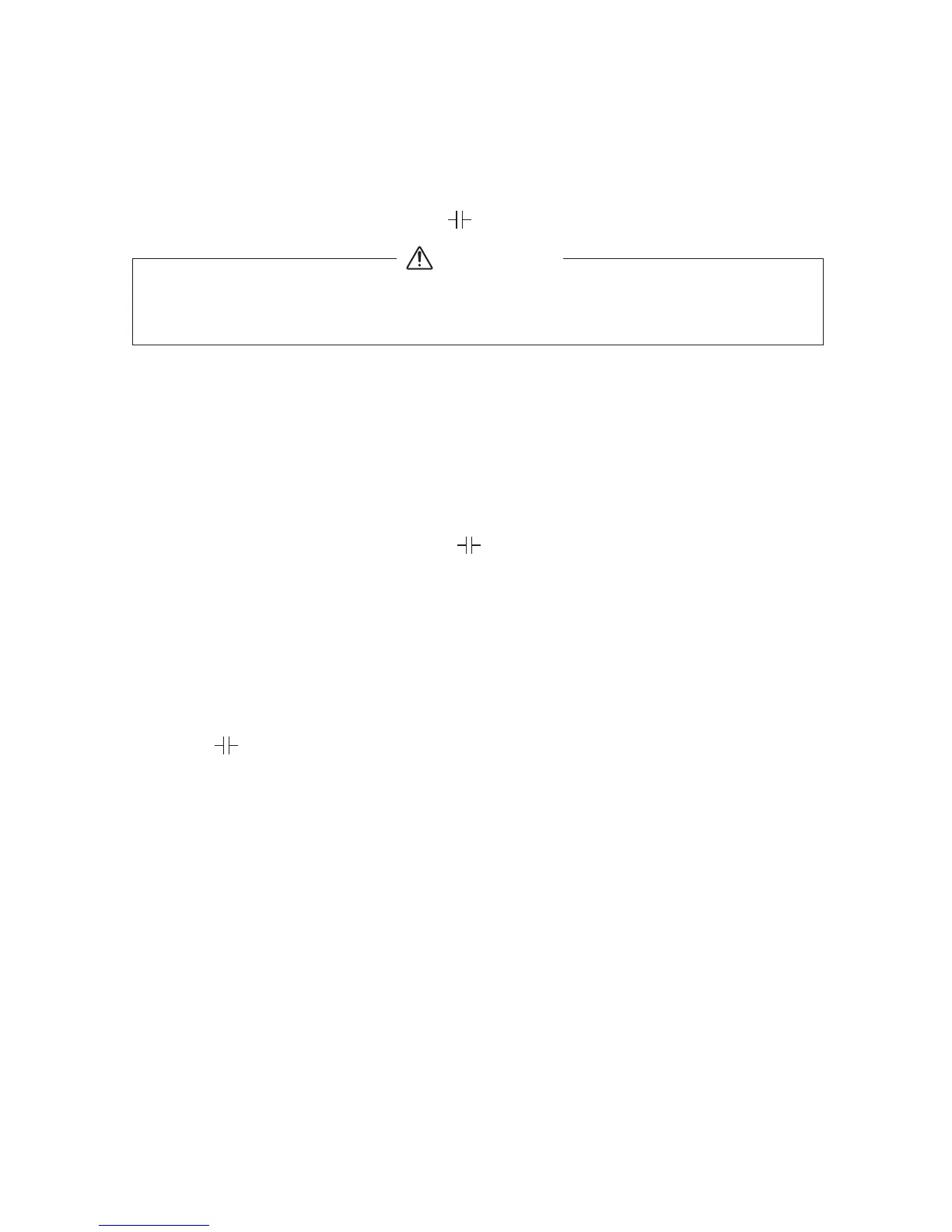
5-6 Capacity Measurement ( )
1. Never apply voltage to the input terminals.
2. Be sure to discharge the capacitor prior to measurement.
WARNING
1) Application
Measures capacitance of capacity.
2) Measuring ranges
40 nF*〜100 μF (5 ranges) *1000 nF =1μF
3) Measurement procedure (See Fig 10, page 13)
①Connect the black plug of the test lead to the COM − input
terminal and the red test lead to the + input terminal.
②Set the function switch at " " function.
③Press the select switch to make the display show 00.00 nF.
(The "REL" mark illuminates in the upper right area of the display.)
④Apply the red and black test pins to capacitor.
⑤Read the value on the display.
⑥After measurement, release the red and black test pins from the
object measured.
⑦Turn the function switch to the position of OFF.
●The " " function can be set to the auto range, but not to the
manual range.
●In 4 nF and 40 nF ranges, large value is left, especially when
disconnecting measuring terminals. This is not malfuction.
●For measurement of 100 nF (0.1μF) or below, the display will not
stabilize due to the influence of ambient noise and floating
capacity. It is therefore recommended that an object to measure
(capacitor) be directly connected between the (+) and (−)
measuring terminals of the CD731a.
●As the capacitance increases, the measuring time becomes longer.
Example: 2 to 4 seconds at 10μF 5 to 8 seconds at 50μF
Example: 13 to 16 seconds at 100μF


 To Next Page