SATEL MICRA 39
– enter the GSM telephone number through which the monitoring station receives SMS
messages ("Tel. number (SMS)" field).
3. Define the SMS message format in which the received event codes will be sent to the
monitoring station ("GSM telephone, Monitoring stations" tab).
4. Indicate the monitoring station to which the event code is to be sent (the event may be
sent to both monitoring stations) and define the Contact ID codes or two-character codes
for events to be reported. It should be done in the "Reporting" tab and the "Keyfobs" tab
("Reporting" tab) and in the "MKP-300 keypad" tab, "Messaging / reporting" table. In the
alarm module mode, with the "Set CID codes automatically" option enabled, the codes are
assigned automatically.
4.8 STARTING CLIP / SMS MESSAGING
The SMS or CLIP messaging is conducted irrespective of the monitoring.
1. Enter the telephone number of Short Message Service Center in "SMS center number"
field in the "GSM telephone, Monitoring stations" tab”, unless it has been saved by the
operator to the SIM card memory.
2. Enter the telephone numbers which are to be notified by the module, using the SMS
messages or CLIP service (“Telephone numbers for messaging and test transmissions"
table in the "GSM telephone, Monitoring stations" tab).
3. Define about which events and in what form (CLIP or SMS) the predefined telephone
numbers are to be notified. In case of SMS messaging, it is necessary to define the
content of SMS message. It should be done in the "CLIP / SMS messaging" tab and the
"Keyfobs" tab ("CLIP / SMS messaging" tab) and in the "MKP-300 keypad" tab,
"Messaging / reporting" table. For events related to the analog zones, you can additionally
enable the "Add input voltage value to message" option.
5. RESTORING FACTORY DEFAULT SETTINGS
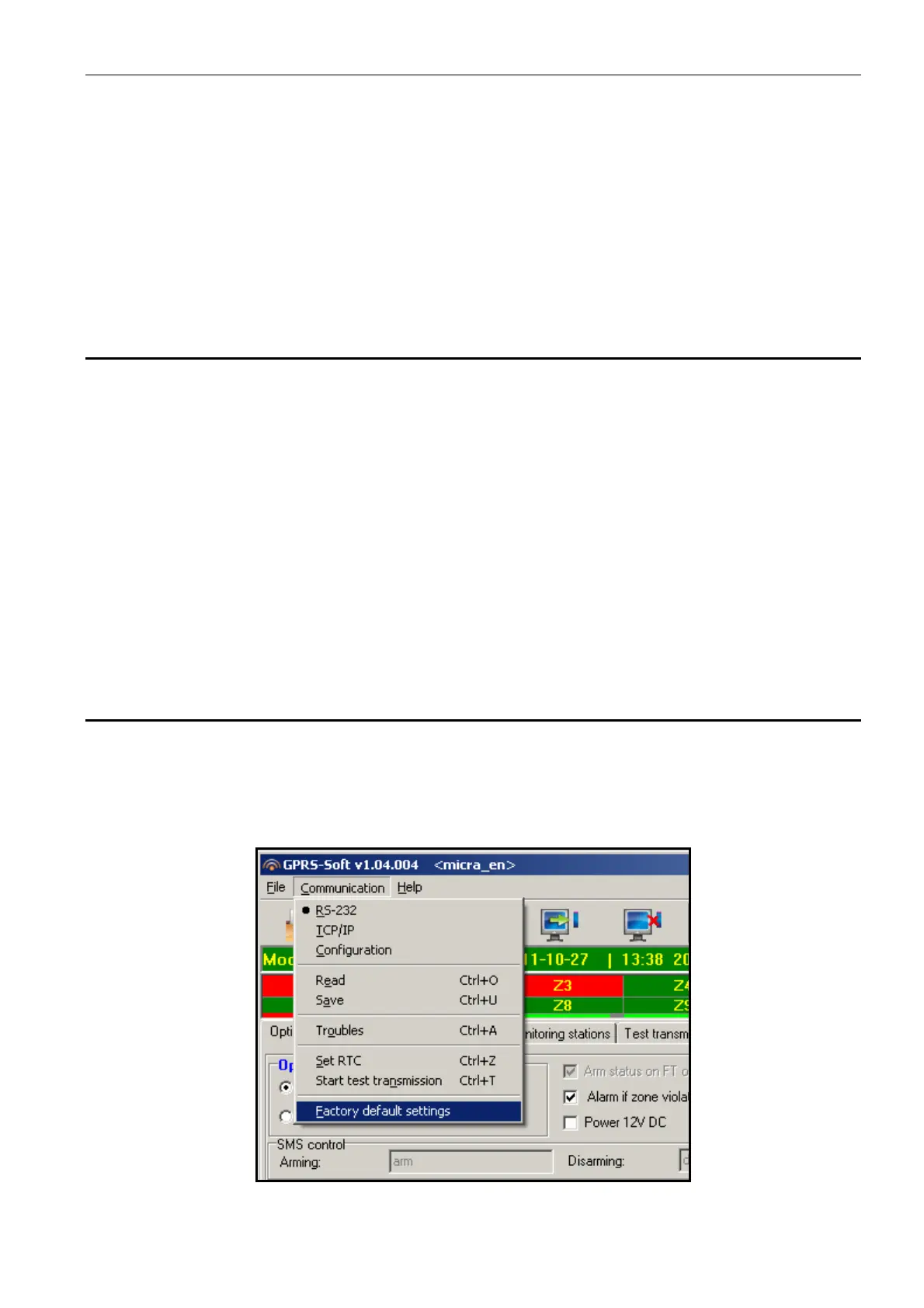
In order to restore the converter factory settings, select the "Communication" command in the
menu bar, and then, in the menu that will be displayed, select the "Factory default settings"
function. A message will be displayed in which you should confirm your intention to restore
the converter factory defaults.
Fig. 19. ”Factory default settings" function in the "Communication" menu.



 To Next Page