1.ERROR STOP CTRL.
2.SENSOR LEVEL
3.SYSTEM REPORT________
4.SET A/S CALL No.
5.SET MACHINE S/N
6.SHADING
7.SENSOR SELECT
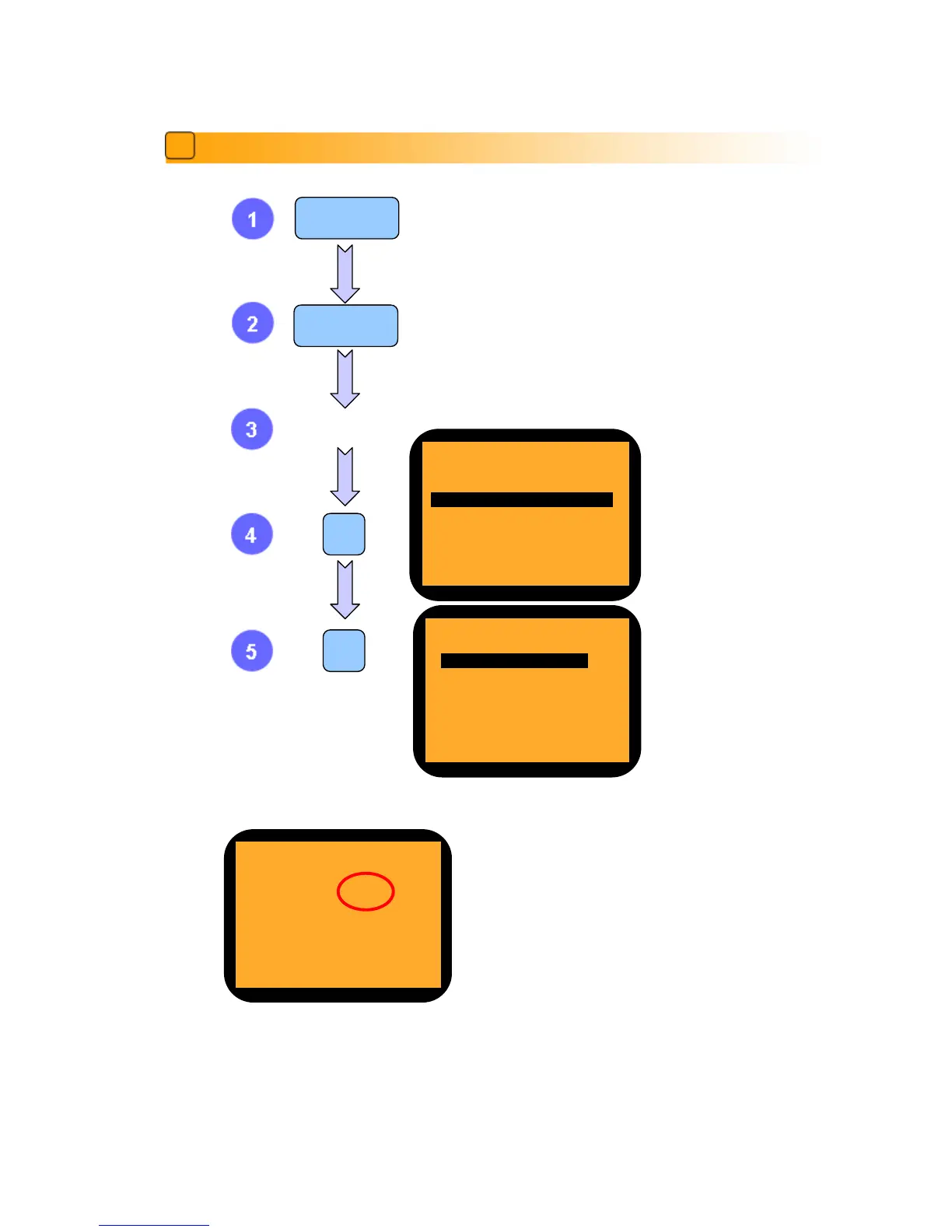
The left image shows Version and Checksum of the software
installed in the machine. In case that it is necessary to check
the version of the installed software to compare with new
software provided by SBM, if the version and checksum of
both software is exactly same, they are the same software.
‘FA SPEC’ means the number of currency which can be
installed on the machine and ‘SOFT SPEC’ means the
number of currency which is already installed on the
machine. If the numbers are same, the software is installed
correctly.



 To Next Page