CURRENCY DISCRIMINATION COUNTER SB-7 (SB-1050) SERVICE MANUAL
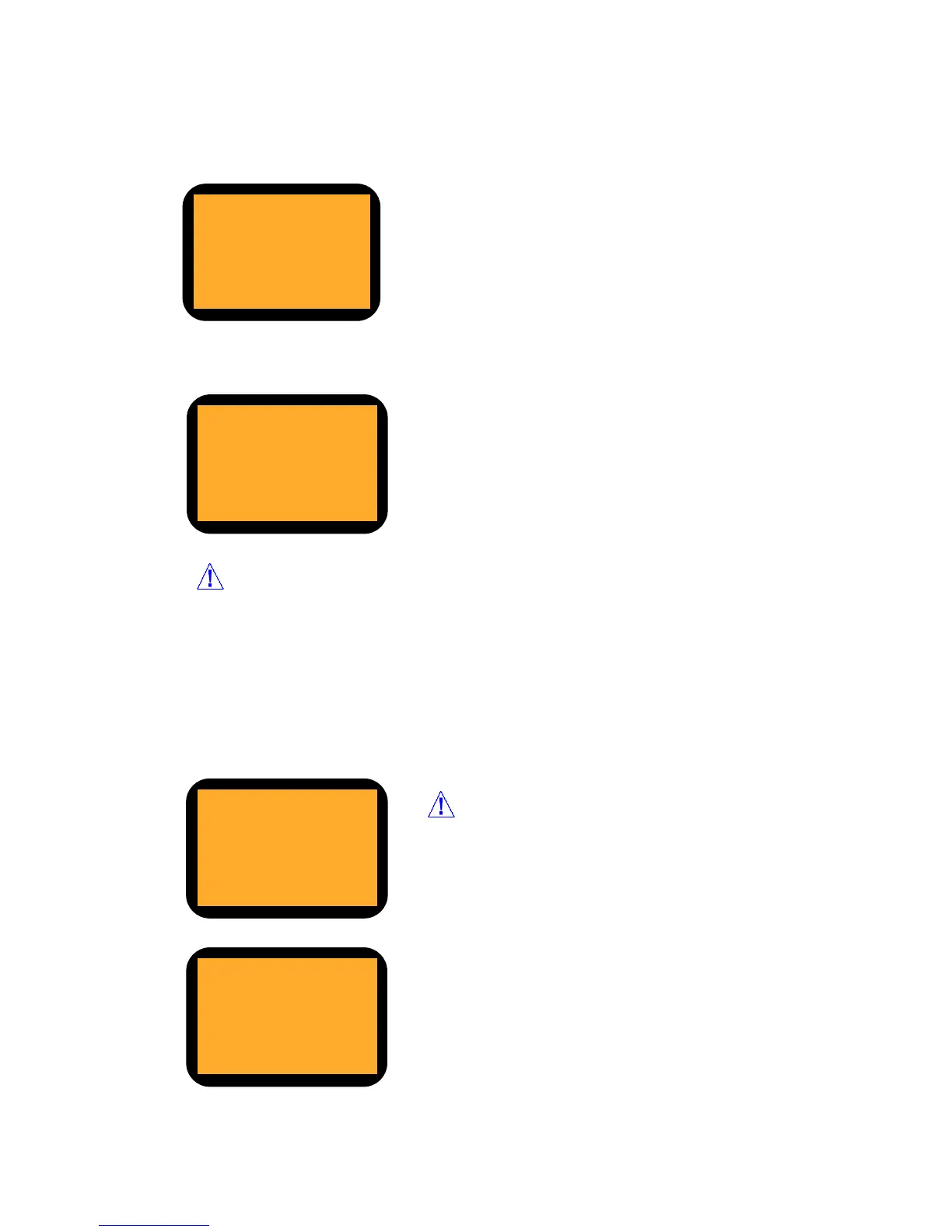
1. S/N DISPLAY
2. S/N SETTING
1. UV SHADING
2. MR SHADING
3. IR SHADING (WHITE)
4. IR SHADING (DARK)
You can check the serial no. of the machine.
(In order that S/N is displayed correctly, S/N should be input first in
S/N Setting menu.)
S/N Setting
You can input the serial no. of the machine. It is available up to 20
characters by using Numeric Key.
UP key - Back Space
DOWN key – Used as Right key
In order that a system analyzes Reference Level and
a signal of the machine, the system should know the
full swing of a waveform of a signal.
1. UV ON
2. MR ON
3. IR ON
4. CF DETAIL OFF
UV, MR, IR: If you want to turn on only some kind of
sensor, you can do that in this mode.
CF Detail: In case that the machine would reject a
Counterfeit note, when you turn on this function, reject
reason will be displayed in LCD(Reject Reason view)
Select menu by using UP/DOWN and change ON/OFF
by using START key.
What is Shading?
Sensor Select pass word: *****
ENTER CODE
[ ]
Shading is to make a full swing reference waveform to read the full level of a signal. If the
machine rejects too many notes in Mixed Mode or in CF Detection Mode, the system
might not analyze the input of waveform. It is possible to make a standard waveform for
the system. For more detail information, please refer to the Chapter9.
5. SET MACHINE S/N
6. SHADING
7. SENSOR SELECT



 To Next Page