Power
6 X 1.5V AA Alkaline Battery. (Non-Rechargeable)
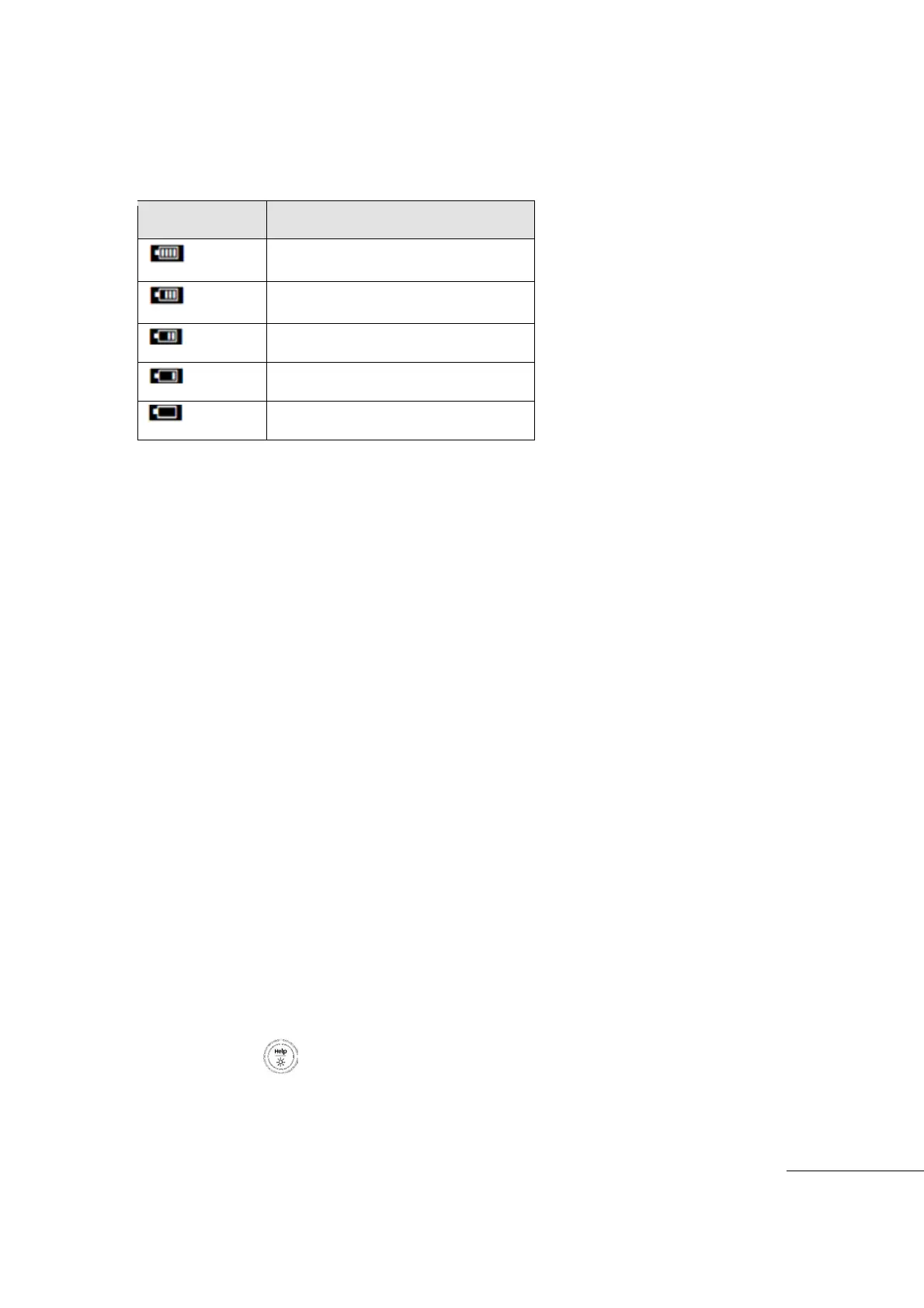
Remaining Battery Capacity Level indicator
Top right of the display indicates Remaining Battery Capacity Level,
Auto Power Off
While in operation, the meter will automatically power off after 15 minutes with no key press
on any key.
User can select the Auto Power Off time (min 5 minutes ~ max 2 hours or Auto Power Off
mode) in the User Menu.
[NOTE]
Auto Power Off mode does not activate in DATA LOGGER mode (MIN MAX, PEAK mode
in operation )
Auto Power Off mode does not activate when Meter is powered by ADC Power Adaptor.
Battery Saver Mode
Auto Power Off mode is not activated when in Data Logger or Auto Hold mode of operation.
If no key is pressed on Meter for the set amount of time, the Meter automatically changes
to Battery Saver Mode. Mode enable time is equal to Auto Power Off mode timing.
All features including Display will power off except for the present active measurement
function.
Release Battery Saver Mode by:
- Pressing any key
- Change the measurement range
- Start PC Interface communication.
Meter function and Operation Mode does not change when exiting battery saver mode.
Back Light Display
When measurement environment is dark and or it is hard to see the LCD display, HOLD the
Back Light key ”longer than 2 seconds,
Back Light operation time can be set in the USER MENU (Off Mode, Min 1 minutes ~ Max 1
hours).



 To Next Page