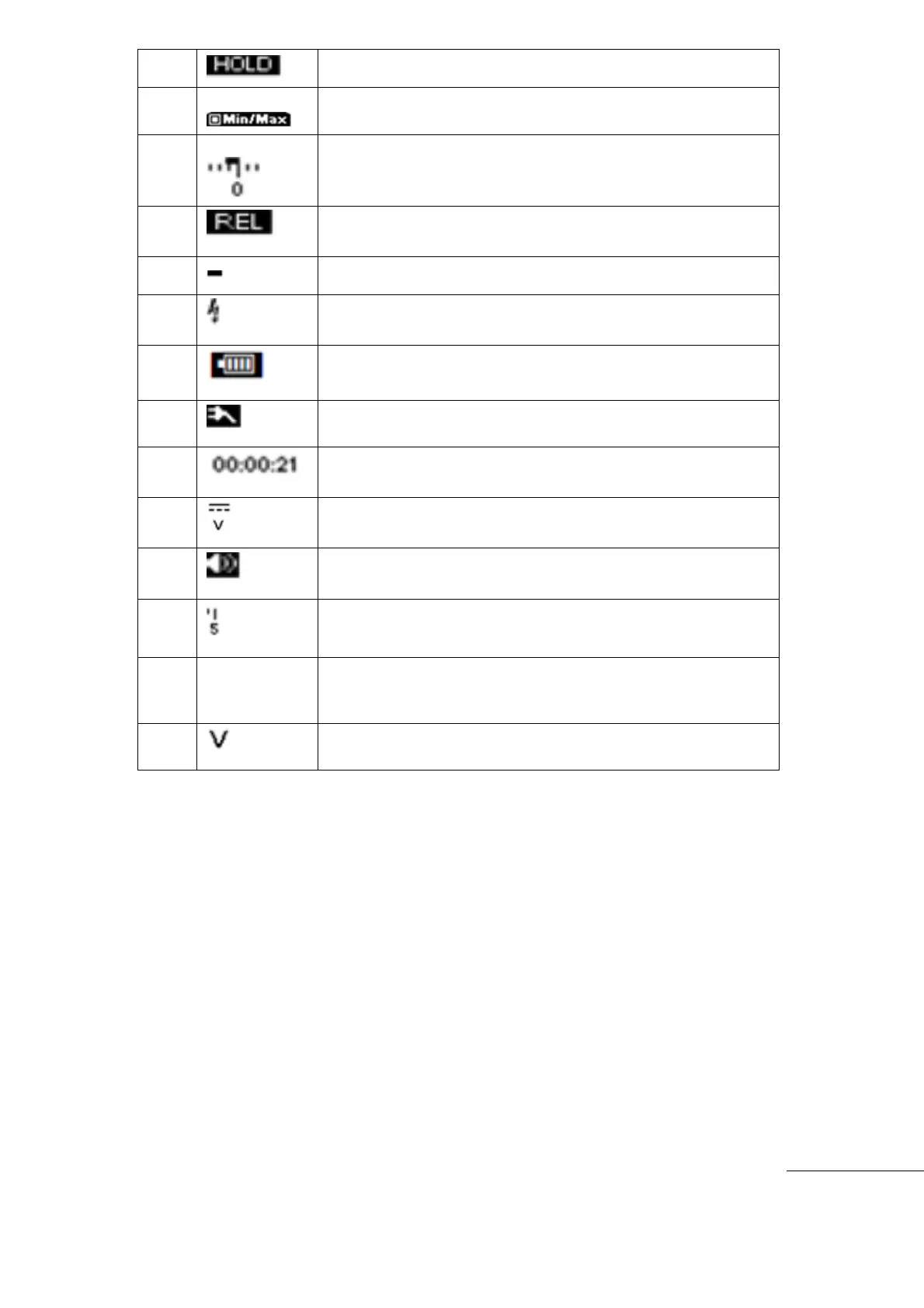
Freeze the present reading in display.
The Sub Menu. After main menu selected, sub menu tree shows
up to select options.
Input Signal is displayed in Bar-Graph. see details on" Bar-Graph
page )
Compare with the reference value and display the Difference.
Over voltage on input warning (Voltage higher than defined
safety protection voltage)
Remaining Battery Capacity level.
AC Power Adapter is connected.
Measurement mode.(DCV, ACV, Ohm, Capacitance, Diode)
secondary measurement information of Input Signal (Hz. ㏈m)
Unit symbol is displayed at right side of the measurement



 To Next Page