13
SBS-6500 User Manual
Storage Battery Systems, LLC.
① Impedance, volt input: Connect plug of the RED test probe.
② Impedance, volt, temperature input: Connect plug of the BLACK test probe.
③ LCD display.
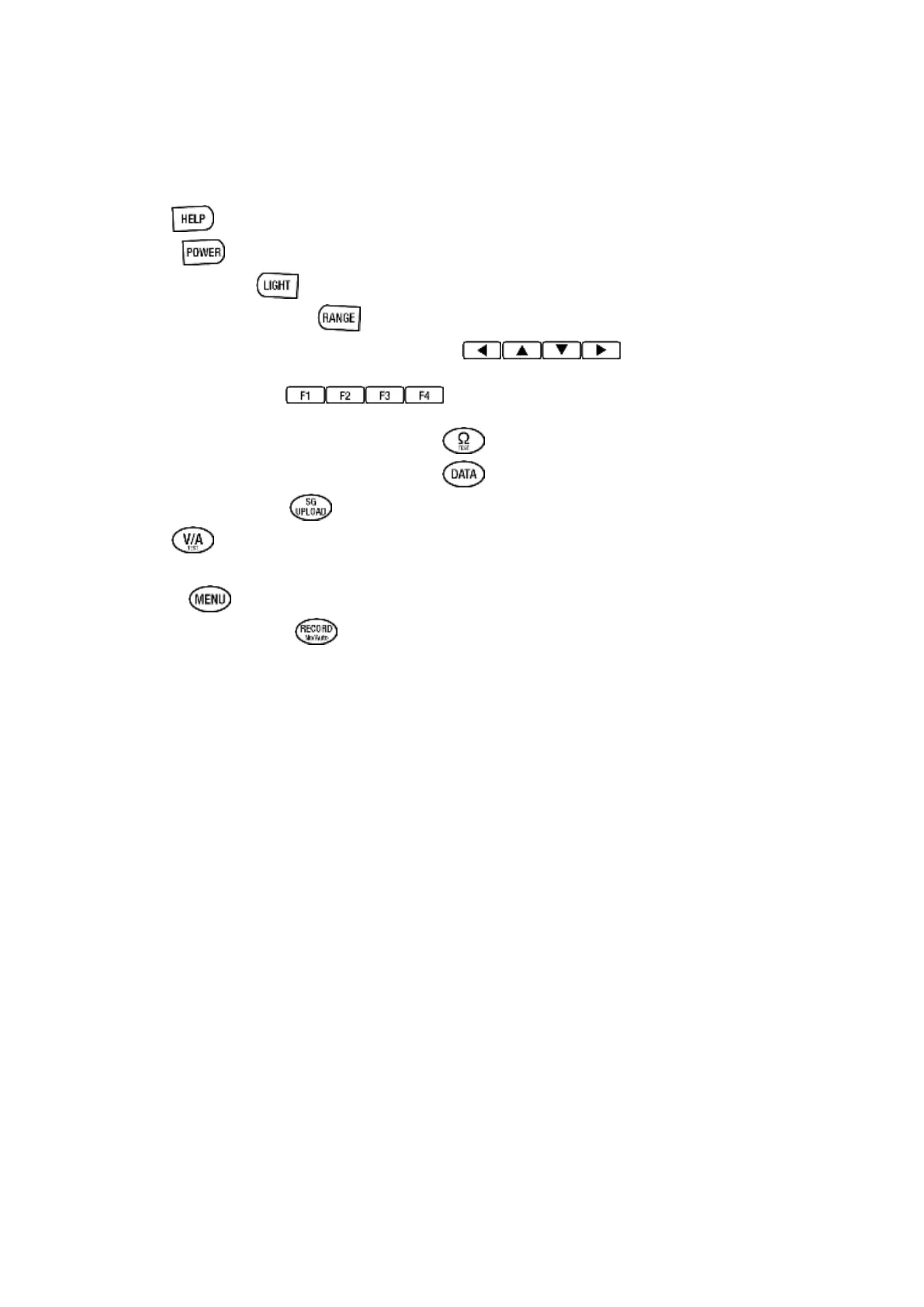
④ HELP
⑤ Power : Power ON/OFF
⑥ LCD back light
⑦ Auto/manual ranging
⑧ Up/down/left/right direction function
⑨ Menu key (F1~F4)
⑩ Impedance (internal resistance) key
⑪ Data (DB, record, table, curve) key
⑫ SBS-2003 upload key
⑬ V / A key
Volt: max DC 300V input. Currents: adapter DC 40A/400A.
⑭ Menu key
⑮ Auto record on/off key
⑯ Encoder rotary switch:
Turn clockwise or counterclockwise direction to select the displayed selection items
and push down the selected item to set.
⑰ DCA input jack
Indirectly connects with DCA current adaptor (for 40A/400A ).
⑱ USB interface: PC interface connector.
⑲ AC adaptor input jack: Connects to the AC power adapter



 To Next Page