1 2
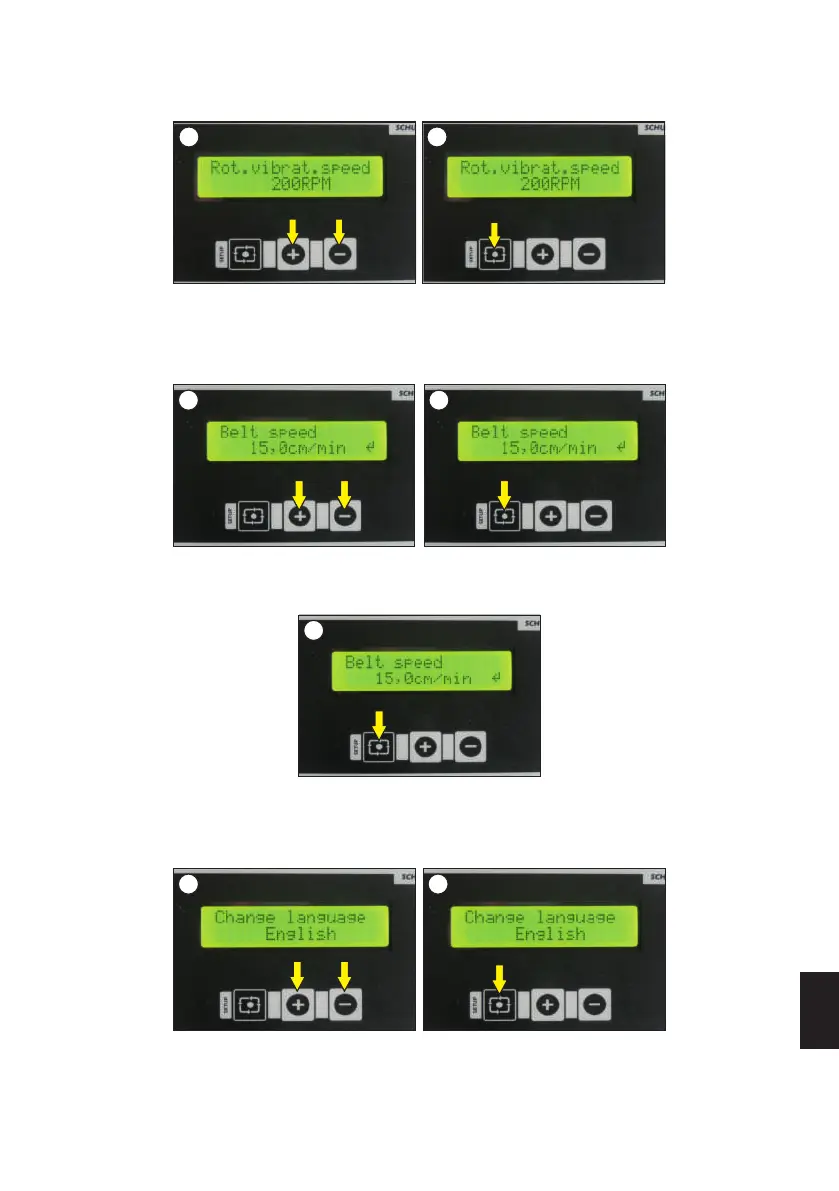
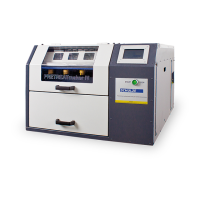
The shaker removes excess deionized powder from the foil. Adjustment of the shaker's speed is made just after setting the working power. Use the
+ and - buttons to set the desired value (image 1). Confirm the selection with the SETUP button (image 2). For best effect, the speed of rotation
should be adjusted so as to remove excess powder from the unprinted foil while not damaging the the print itself. The machine has a factory setting
of 200 RPM.
Shaker power
It determines the speed at which the conveyor belt moves in the machine. The speed of the conveyor belt is adjusted just after setting the shaker
power. Use the + and - buttons to set the desired value ( image 1). Confirm the selection with the SETUP button ( image 2). This value should be set
during the printing cycle. It is recommended to set the belt speed slightly higher than the printer speed. Factory set value of belt speed is about 15
cm/min.
Speed of the conveyor belt
The SCHULZE DTF PowDR has other functions, which can be adjusted. To go to the first of these, hold the SETUP button for 3 seconds,
after setting the conveyor belt speed (image 1).
After holding the SETUP button for 3 seconds, the first function that appears will be language selection. There are three languages to choose:
Polish, English, German. The selection should be made with the + and - buttons (image 1). Confirm the selection with the SETUP button (image
2).
Language selection
2221
21
21
ENGLISH
27
Version 23.05



 To Next Page