Start up with PC
05/STM-48V/en/2011-04-01/CW 47
6. Enter or change parameters:
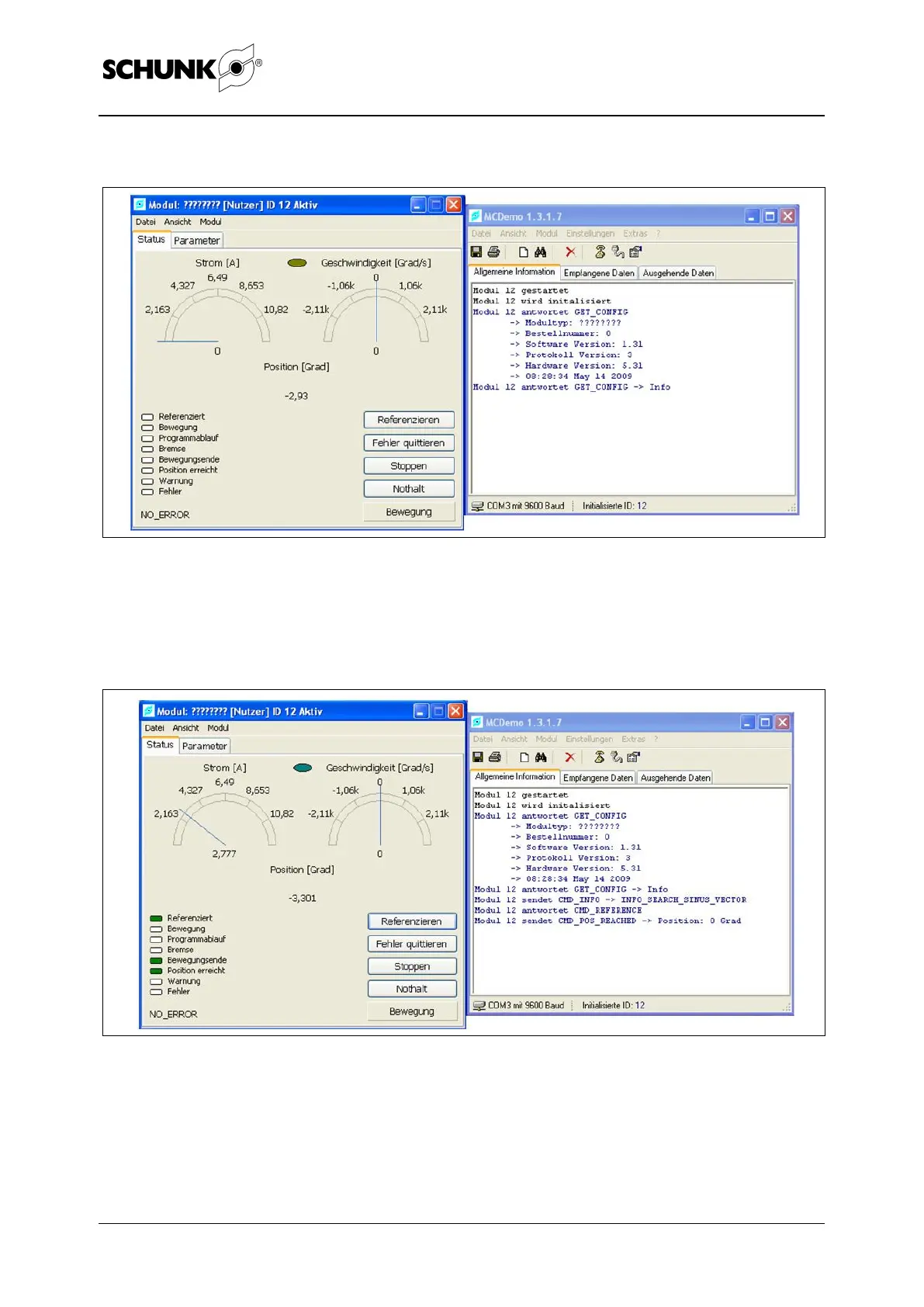
Figure 22 Control window of the module found
Select the [Parameters] tab and adjust the parameters (see
"Motion Control" document).
7. Perform a reference run:
Figure 23
Select the [Reference] button.


 To Next Page