Start up with PC
44 05/STM-48V/en/2011-04-01/CW
10.2.2 Configuration with MCDemo
Note
After every switch-on the controller moves jerkily about 30°-40°
anti-clockwise and about 30°-40° clockwise
The controller is connected to a PC.
The supplied DVD is inserted.
1.
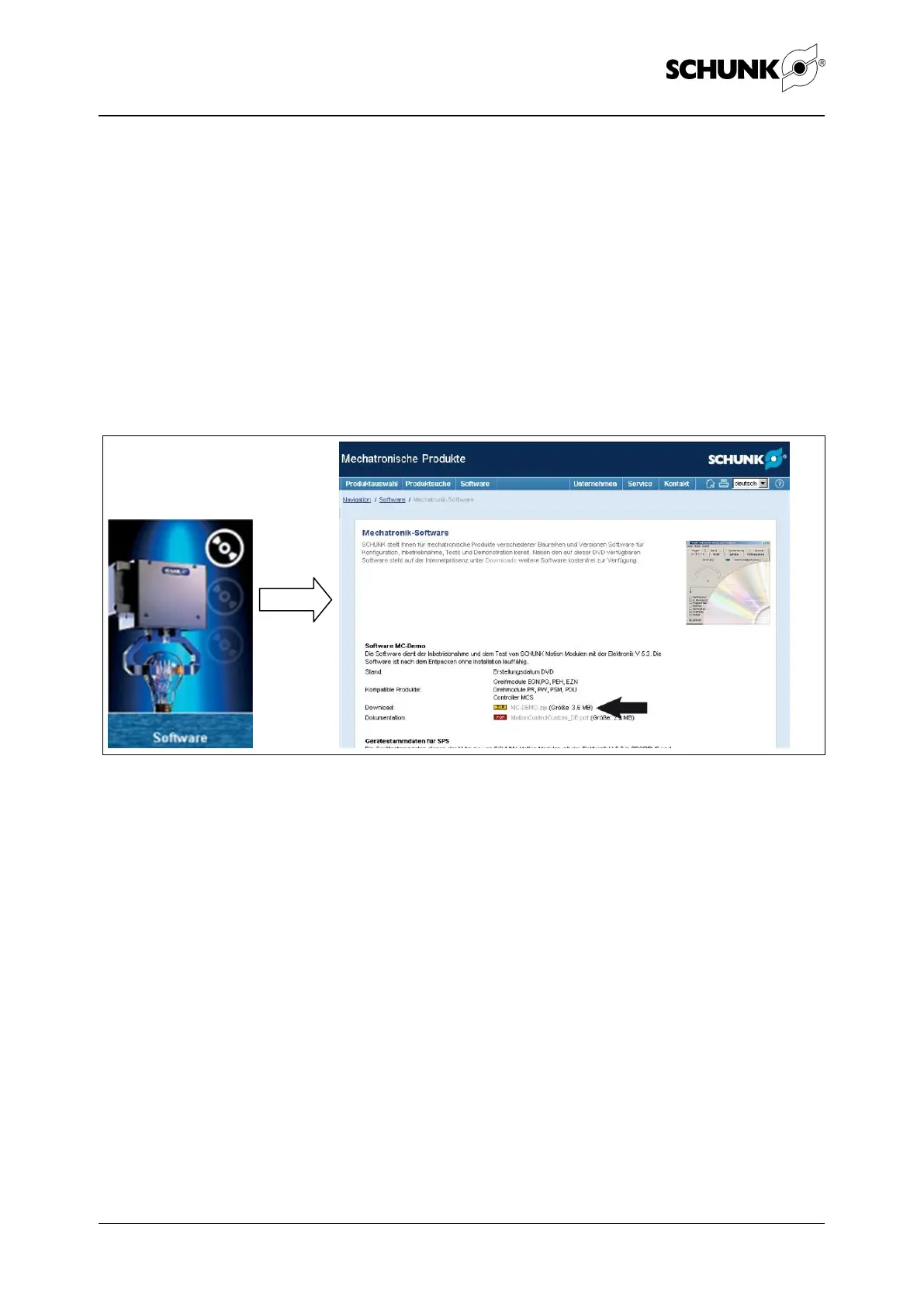
Copy MCDemo from the enclosed DVD:
Figure 15
Start the DVD and click on "Software". Then click on
"MC-Demo.zip".
Note
The software is available for download at our website
www.schunk.com.
(see Service>Downloads>2.4 Mechatronics)
Observe the version status!


 To Next Page