10/01
15
____________________________________________________________________________________________________________________Displaying the alarm and fault messages
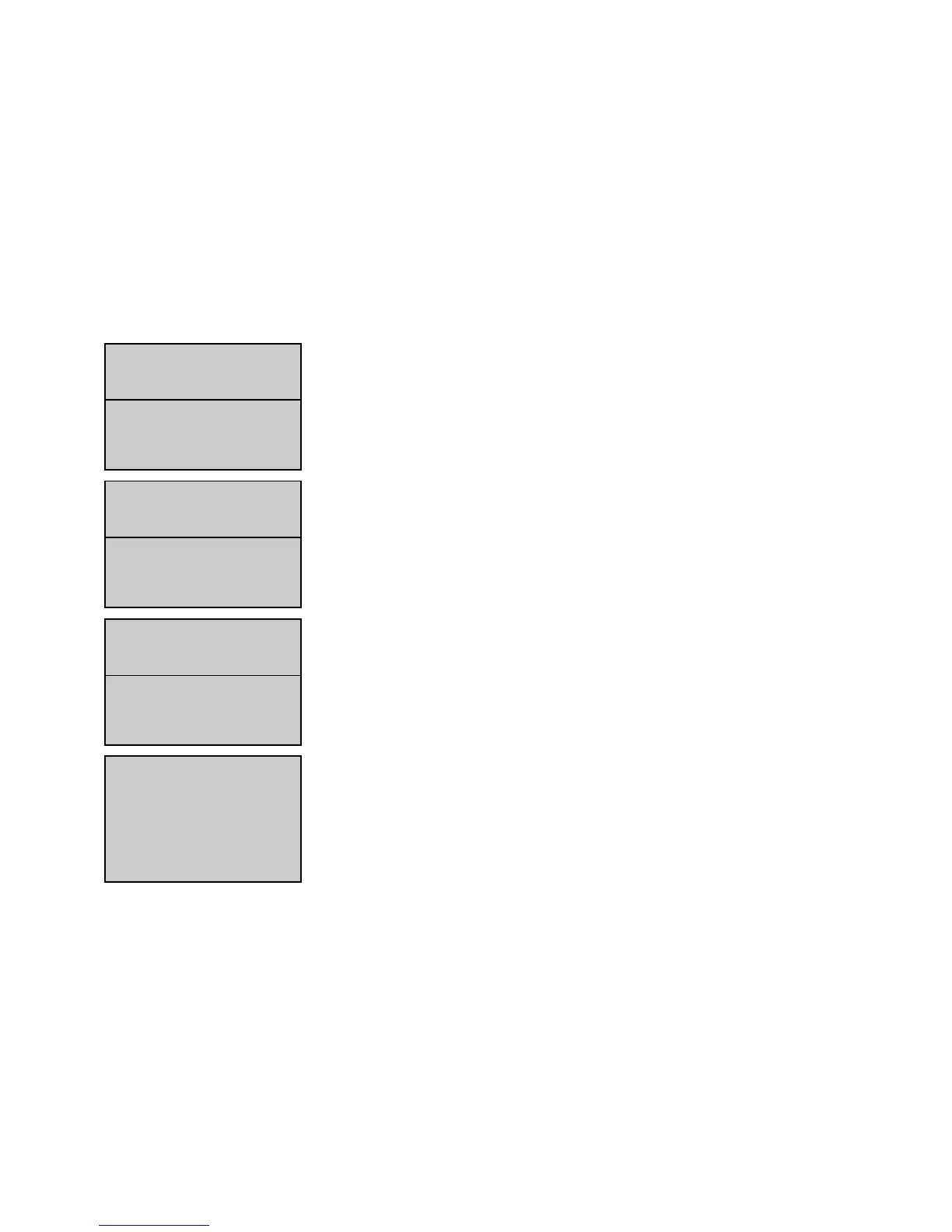
If a fault appears on screen 3, the message on the second line disappears from the screen, the message on the first line slides down to
the second line and the fault message takes the first line.
If a third fault appears on screen 4, the message on the second line disappears from the screen, the message on the first line slides down
to the second line and the third fault message takes the first line.
If an alarm appears on screen 4, the message relating to that alarm will not appear.
If a new alarm appears on screen 5, the message relating to that alarm will replace the alarm message on the second line.
88..22.. RReemmoovviinngg mmeessssaaggeess oonn ssccrreeeenn
If all the faults, displayed on screen or not, are no longer active (circuit-breaker pressed in, emergency stop unlocked, logical input inac-
tive, connection restored, ...), press the
Reset
button to reset the last fault present on screen or in other words, the last recorded fault. This
way, the previous fault(s) is/are moved forward one line.
The example below shows the screen changes with two faults displayed on screen and one fault not displayed but recorded. In order of
appearance, the following faults are:
- Module 3 CAN
- Emergency stop
- Day tank low fuel level
The three faults are considered as no longer active (fuel level above low level, emergency stop unlocked, CAN connection restored on the
option 3 module).
Messages
Fault LLow FFuel LLevel
and
Fault EEmergency sstop
are then displayed. Press
Reset
to reset the
low fuel level fault (the message disappears).
An alarm message will automatically disappear when the alarm input is no longer in logical status 1.
9. DDISPLAYING TTHE SSTATUS MMESSAGES
All status relating to the operation of the generating set and its auxiliaries are clearly viewed on the two lower lines.
As well as the date and time, the operator will be able to view:
- Operating mode selected (
Stop
,
Manu
,
Auto
,
Test
)
- Water heater control logical status (active or inactive)
- External command logical status (0 or 1)
- built-in mains failure and mains return delays
- Generating set status (genset on stand-by, stopped or running)
- Engine preglow period
- Cranking period (with attempt number and starter number)
- Starter rest period between two starting attempts, with possible indication of engine preglow
- Starter tripping (indicating starter number)
- RPM and Volts stabilising period
- Authorisation to close the Stand-by contactor in
Manu
mode


 To Next Page