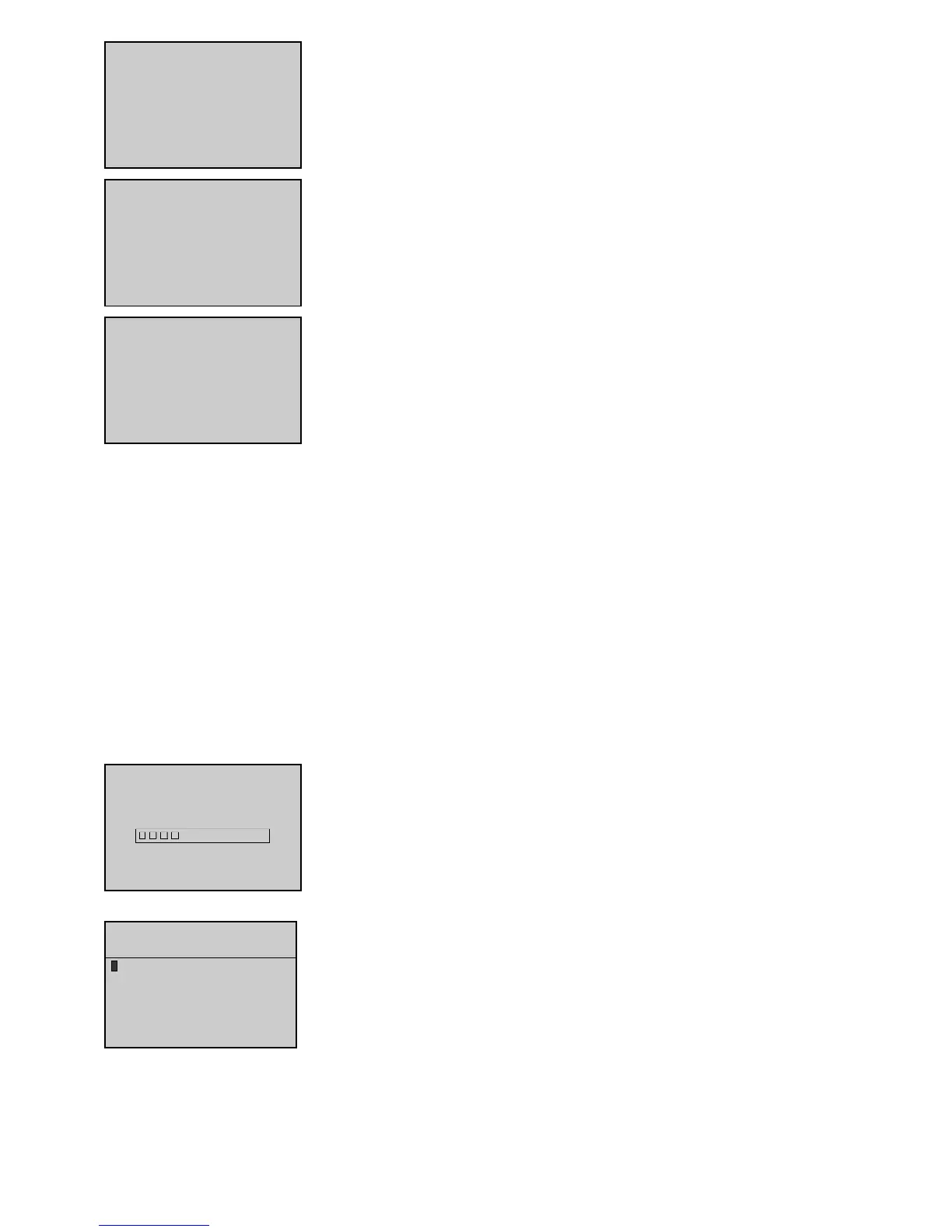
The message on the screen opposite appears to indicate that the Mains contactor will close in x
seconds.
When the delay elapses, the Mains contactor closure is requested, the message
Mains cclosed
appears, the
0
button LED comes on and the mains delivers the installation again.
Note 1: in cases where the contactors feed back data is ignored, the toggling messages from one contactor
to the other (MS and SM) do not appear.
Note 2: in cases of a type 1 start (the control unit built-in mains return delay ignored), the message
mains
return: 000' 660''
on the previous screen does not appear.
1199..33.. IInn mmaannuuaall mmooddee
The ATS can only operate in
Manu
mode when the green LED is lit.
Press button
1
to close the Stand-by contactor. Before the Stand-by contactor closes, the Mains contactor opens, the
0
button LED goes out and the
message of toggling from Mains to Stand-by appears. When the delay elapses, the Stand-by contactor closure is effective, the message
Stand-bby
closed
appears and the
1
button LED comes on.
Press button
0
to open (instantly) the Stand-by contactor, the
1
button LED goes out and the message of toggling from Stand-by to Mains appears.
When the delay elapses, the Mains contactor closes automatically, the message
Mains cclosed
appears and the
0
button LED comes on.
APPENDIX - SOFTWARE VERSION 1.05E: "INTERNATIONAL" LANGUAGE
11 - IInnttrroodduuccttiioonn
Software version 1.05E used with interface boards CB and CB12 enable you to use the MICS Telys in a language which is different from the four stan-
dard languages already implemented. This language is based on the use of pictograms. Compatibility is ensured with the old interface boards. This
means it is possible to reprogram, on site, an interface board having software index 1.01B or 1.04D with a software having an index 1.05E. Howe-
ver, use of a software version 1.05E requires a display defined for software version 1.2 (see paragraph 2).
22 - SSttaarrttiinngg uupp tthhee MMIICCSS TTeellyyss
When the MICS Telys is powered up, the initialization screen indicates the display software version.
The initialization phase takes no more than 5 seconds.
Note: A display flashed to version 1.2 can be used with no problem with an interface board version 2.01B or
1.04D.
Next, the language selection screen is displayed. The cursor flashes by default on "International". If no action is taken while the four squares are dis-
played in the small overlaid window, the MICS Telys automatically goes to the international language.
You then have around 6 seconds to change the language by pressing the button then the
V
or
Esc
(*) but-
tons.
(*) By pressing the
V
button, the selected language is stored, meaning that the next time the unit is powe-
red up, the cursor will automatically go to the previously selected language. In addition, by pressing the
V
but-
ton, the system goes to the next screen to modify the date and time.
(*) If you press the
Esc
key, the selected language is not stored in memory. The next time the unit is powered up, the cursor will automatically be posi-
tioned on the international language.


 To Next Page