16
10/01
Displaying the status messages____________________________________________________________________________________________________________________________
- ATS toggle delay: MainsStand-by and Stand-byMains, and closure confirmation of the Mains and Stand-by contactors- Motorised
C/B opening and closure
- Engine cooling down time in
Auto
mode
- Operating time in
Test
mode
- Delayed shutdown on water temperature fault or overload/short-circuit fault
- Appearance of commands ; EJP J-1, EJP advance warning, EJP start-up
- Clock activated operation indicating time range number
- Shutdown bypass via switch (complying with French standard NFC 61940))
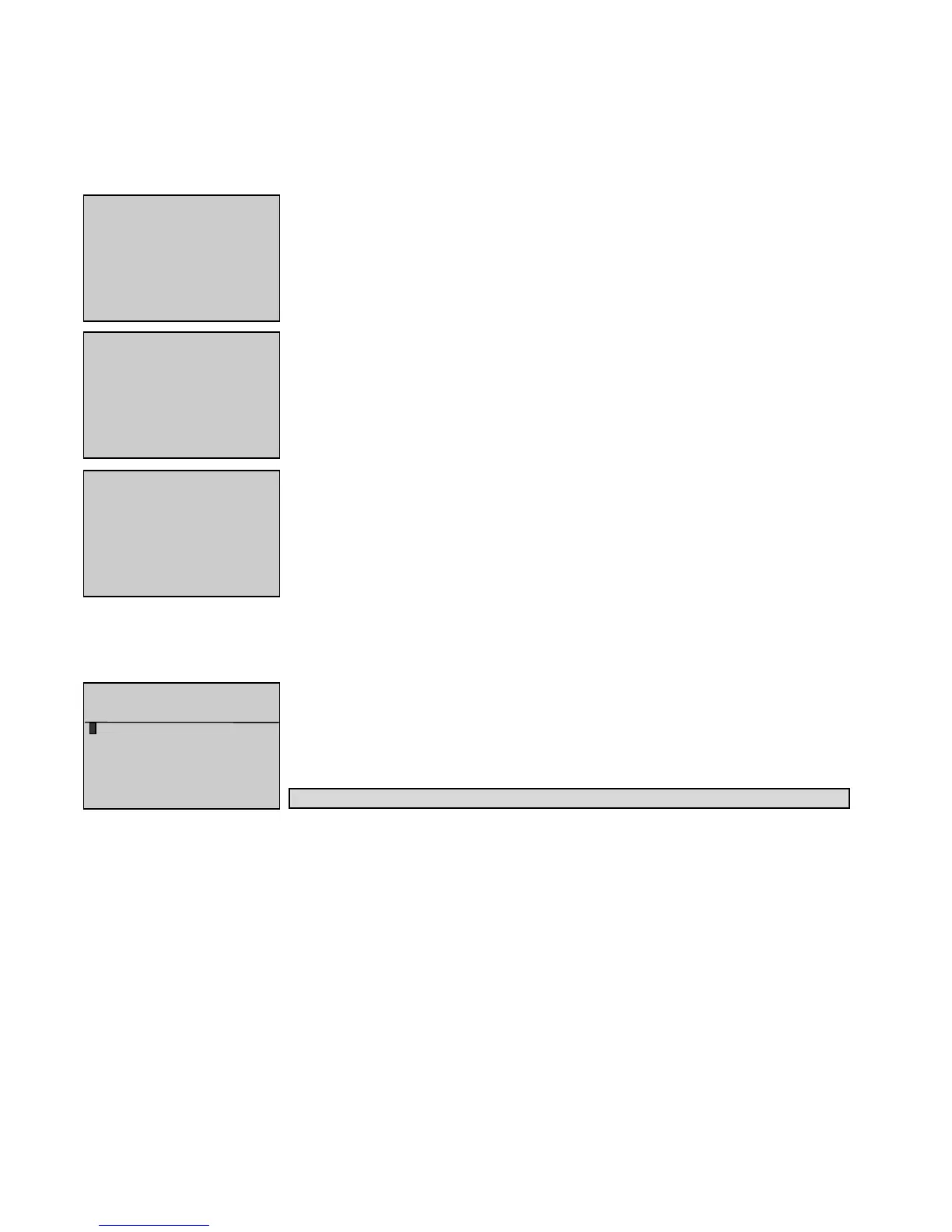
The three screens below show three examples of status messages displayed over the two last lines.
Starting period: attempt 1 on starter 1
SN toggle: Toggle from Stand-by contactor to Mains contactor in 5 seconds
Engine cooling down: Engine to stop in 3 minutes and 42 seconds in
Auto
mode
10. AACCESSING TTHE LLEVEL 11 DDISPLAY
Level 1 display enables the operator to view various data and to do a quick diagnostic on any generating set operating problem.
Press the
M
button to bring up the
GENERAL
screen indicating the software version implemented on the interface board CB or CB12.
The cursor flashes over the
o
sign on the first line.
Press to move the cursor to the next sign on the right hand side, if possible, or to the next line.
Press to move the cursor to the previous sign, if possible, or to the previous line.
By pressing or , the operator places the cursor over the required menu.
Press
V
to access the selected menu (example:
Outputs
menu).
Menus
Control
and
Config
can only be accessed after entering a code on the keyboard
Press
Esc
to return to the " overview " screen (see paragraph 1.7).
If neither
V
nor
Esc
is pressed, the " overview " screen (see paragraph 1.7) appears after three minutes.
From the
GENERAL
screen, there is a selection of six menus. Their description is detailed below.
Alarm/Flt
(see paragraph 11)
This menu is used to view the list of time and date stamped generating set alarms and faults.
Status
(see paragraph 12)
This menu is used to view the list of time and date stamped generating set status.
Inputs
(see paragraph 13)
This menu is used to view the logical status of all inputs on the mounted interface board (CB or CB12) and on option (3,4 and 5) modules
if these are declared available.
Outputs
(see paragraph 14)
This menu is used to view the logical status of all outputs on the mounted interface board (CB or CB12) and on option (3,4 and 5) modules
if these are declared available.
Contrast
(see paragraph 15)
This menu is used to change characters contrast on screen and to save the changes.
Protect
(see paragraph 16)
Ges
(see paragraph 17).
This menu is used to display the generating set "Operating report". This function is only effective for the generating sets satisfying French
standards NFS61-940 and NFE 37-312.


 To Next Page