30
10/01
Appendix - software version 1.05e: "international" language_____________________________________________________________________________________________________
Return of system voltage (symbol 10)
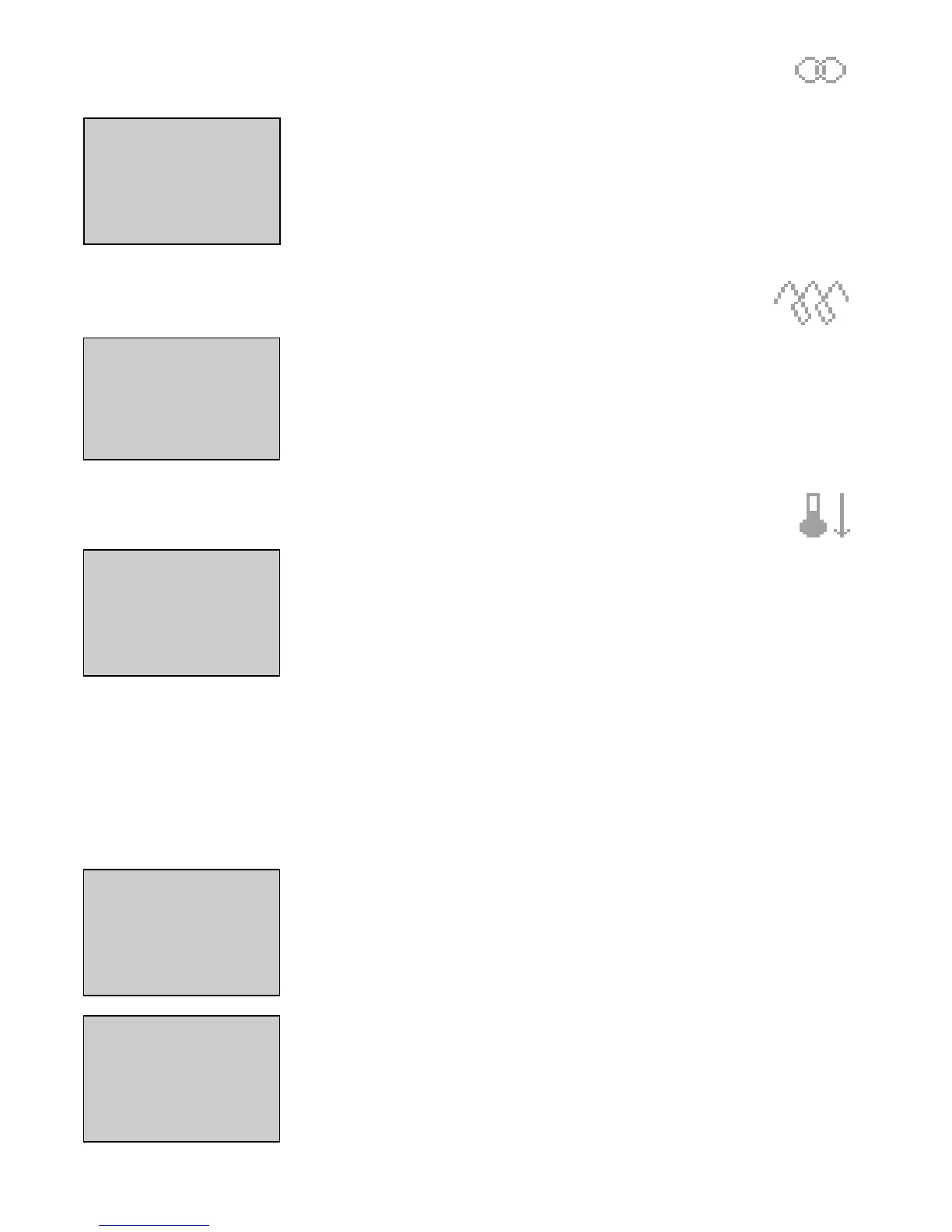
Return of the system voltage (or mains voltage) is represented on the screen by a transformer. The mains return time delay (para-
meter 104 of Timing menu) is displayed next to this symbol and decrements automatically from the adjustment setting to 0.
Example of screen showing system voltage is again available. Two minutes and fifteen seconds remain prior to automatic switchover from the
generating set to the system (mains return time delay).
Note: The two previous symbols can only be displayed provided the type 2 control parameter is at 1
(see user paragraph 2.1.1).
Spark plug preheating (symbol 11)
If the generating set is ready to be started on an external command and if the "spark plug preheating"
parameter is set to 1 (Factory menu), a symbol representing a solenoid appears on the screen during the spark plug preheating period prior
to the first startup and also between two startup attempts.
Example of screen showing that spark plug preheating is in operation; generating set will start in a few seconds.
Engine cooling (symbol 12)
When the mains return time delay is completed, the emergency contactor opens, the normal contactor
closes and the engine begins its cooling period which is displayed by the symbol shown opposite. The
cooling time delay (parameter 10 of timing menu) is displayed next to the symbol and decrements automatically from the adjustment setting
to 0.
Example of screen showing that three minutes and ten seconds remain for cooling of the generating set prior to complete shut-
down.
77 - AAllaarrmmss aanndd ffaauulltt ccooddeess
The alarms and faults are displayed on the right hand side of the two lower lines. As a general rule, a fault or alarm is displayed on the
screen as follows:
XX-YY XX
is a number between 00 and 99
Y
takes two values: 0 to indicate an alarm, 1 to indicate a fault (same method used in
Options mmenu
).
Special case 1: for a single number, it is possible to display: XX-0 or XX-1. This means that the
Options
menu must be programmed to have
one or the other on the screen.
Special case 2: if the alarm or fault are possible at the same time (two different sensors used on engine), the XX numbers are different
(example: engine oil pressure fault = 02-1, engine oil pressure alarm = 64-0).
Note: When the word "impossible" appears in the table on the following page, this means that the alarm or fault does not exist (example:
generating set emergency stop only managed for fault and not for alarm).
Example of screen showing "overload or short-circuit" fault designated 06-1.
Example of screen showing "alternator min voltage " alarm designated
12-00
.


 To Next Page