20
10/01
Viewing the inputs on an option not available (see note) or on an option module not available (factory configuration) will result in the fol-
lowing superimposed message to be displayed.
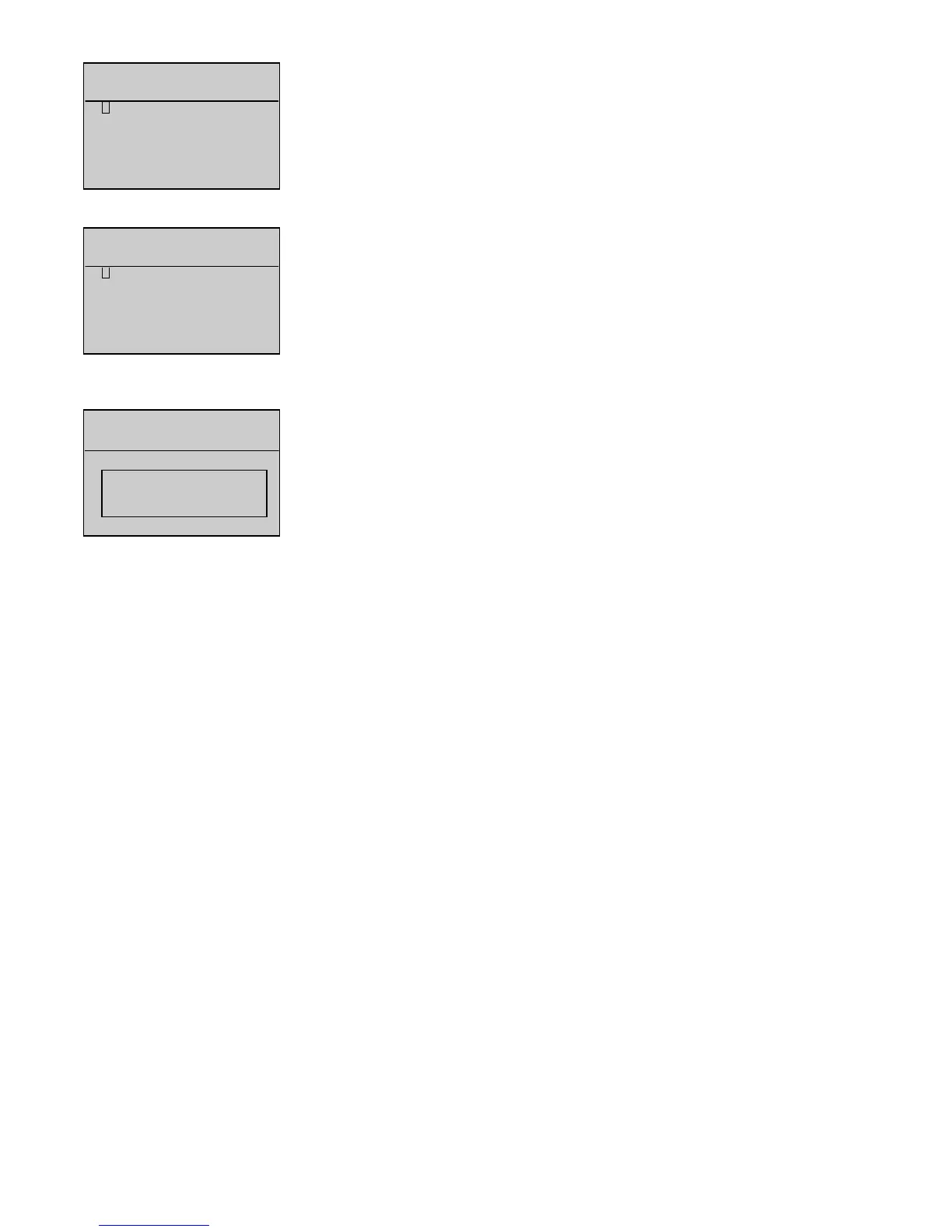
Example : a system is configured with interface board CB12 and Option 3 module. Press
V
, when the
cursor is next to
Option 44 MModule
, to display the superimposed message opposite.
By setting parameter
904
to 1, the inputs of the option 5 module are displayed, programmed with Volvo D12
engine.
Display of logical status of inputs of option 5 module. For the Volvo D12 engine, only inputs 1, 2 and 3 are
used.
Note: The availability of option 1 and option 2 (interface board CB12) parts is detected automatically as soon as is powered up.
Example: a system comprises of interface board CB. Press
V
, when the cursor is in front of
Option 22 ((CB12)
, to make the previous screen appear.
By setting parameter
903
to 1, the inputs of the option 5 module are displayed, programmed with John Deere
6081HF engine.
Display of logical status of inputs of option 5 module. For the John Deere 6081HF engine., only inputs 1, 2
and 3 are used.


 To Next Page