Maintenance and Troubleshooting 14400MK2-21 C/Ku-Band TVRO
6-24
Left arrow will rotate antenna mass down to the left in the Cross-Level axis ½ degree
Right arrow will rotate antenna mass up to the right in the Cross-Level axis ½ degree
Up arrow will rotate antenna mass up in the Level axis ½ degree
Down arrow will rotate antenna mass down in the Level axis ½ degree
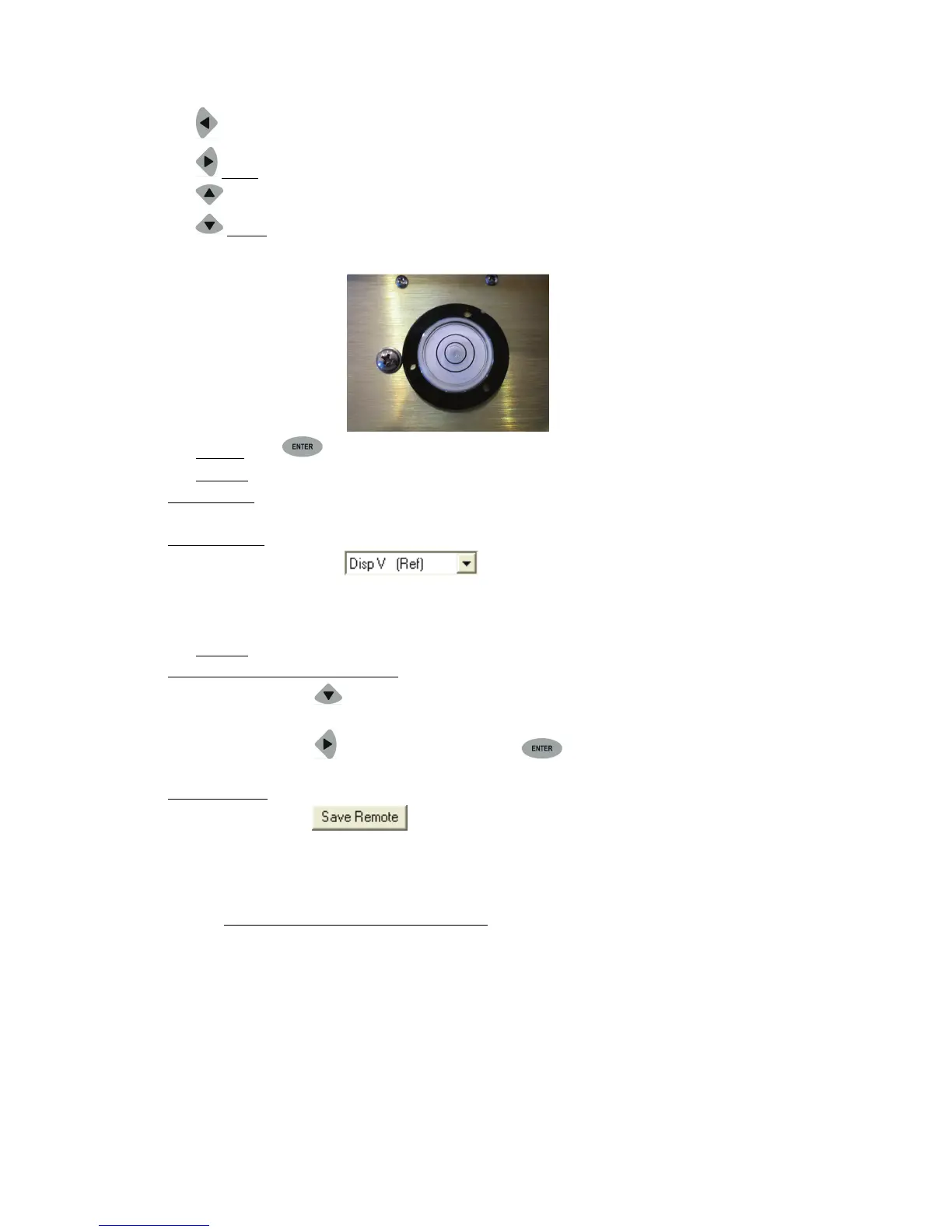
When correct the Bubble should be as close to the center of the fluid as possible.
Step 6: Press ENTER key to exit Remote Tilt Mode.
Step 7: Verify Tilt Bias entered is within specifications.
From antenna:
2. Observe the bubble for approximately 3-5 minutes to ensure it remains centered.
Using DacRemP:
3. Select the reference sensor graph.
4. Verify the CL and LV displays are steady and within 4 divisions of nominal. (Anything more
than 4 divisions above or below red reference line should be of concern and
troubleshooting is required)
Step 8: Save Level and Cross-Level Tilt Bias values.
Using the DAC2202 ACU Front Panel:
5. Press DOWN arrow or enter until you see “REMOTE PARAMETERS” window is
displayed
6. Press
RIGHT arrow and then press ENTER key (you will see a confirmation
saying ‘SAVED’)
Using DacRemP:
7. Click icon on the Remote Command window. (Verify ^0087 is displayed in
the “Last Sent Command” window)
This saves the new tilt bias settings in the PCU. Reset or re-initialize the antenna to verify that the Level cage
is properly level with the new settings.
6.8.3. To Reset/Reinitialize the Antenna:
Pressing Reset on the ACU front panel does NOT cause a reset of the above decks equipment. To Re-initialize
the antenna from the REMOTE COMMAND window on the ACU:
1. Using the LEFT/RIGHT and UP/DOWN arrow keys set the Remote Command value to "^0090" and
press ENTER.
This resets the PCU on the antenna. The antenna will reinitialize with this command (Performs a similar
function as a power reset of the antenna).







 To Next Page