EasyManua.ls Logo

Sealife ReefMaster Mini - Photography Mode; Shooting Images - the Basics

Sealife ReefMaster Mini
82 pages
Print Icon
To Next Page IconTo Next Page
To Previous Page IconTo Previous Page
Loading...
EN-23
PHOTOGRAPHY MODE
Shooting Images - The Basics
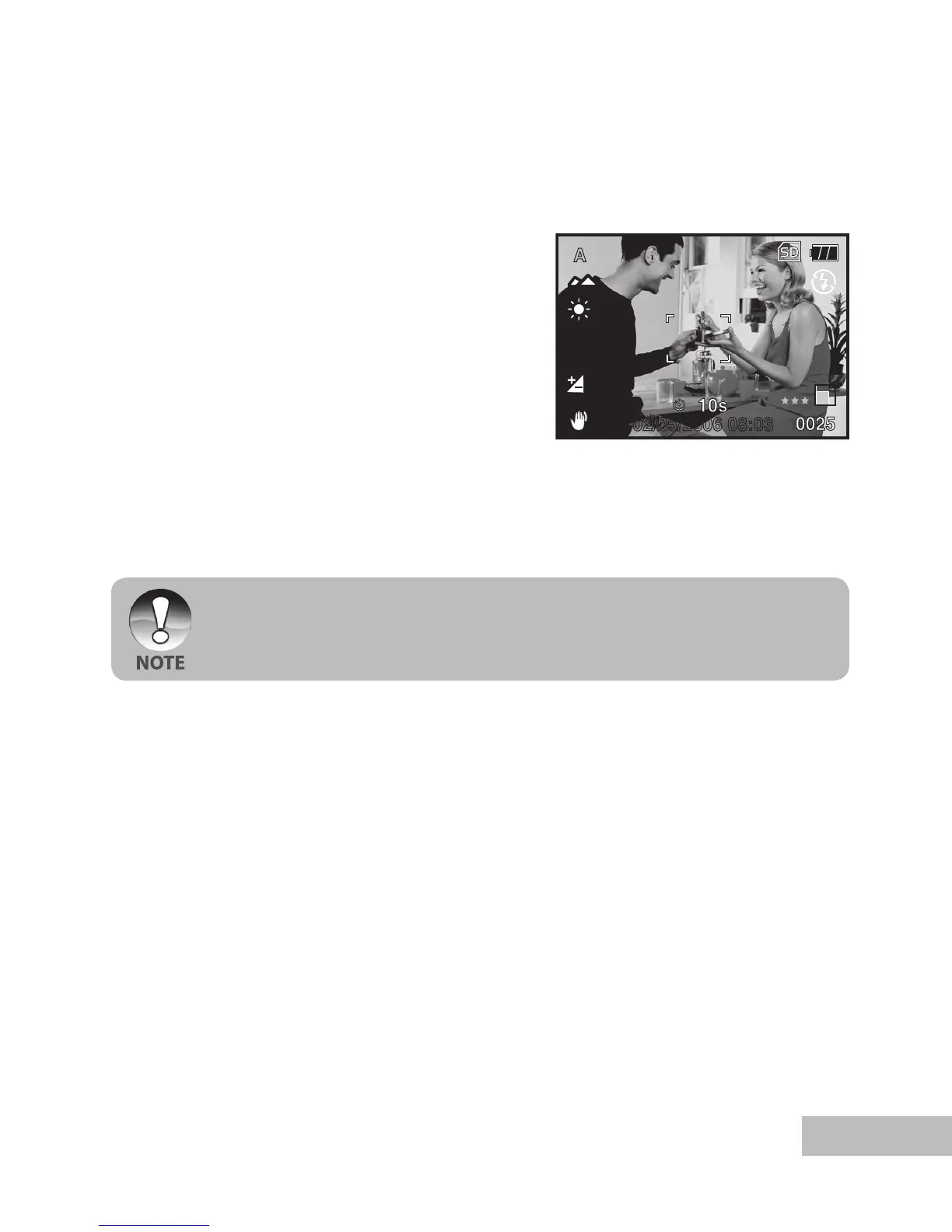
1. Push and hold the OK button until the
camera turns on.
The camera mode (default preview)
is displayed.
2. Compose the image on the monitor
screen so that the main subject is
within the focus frame.
3. Press the shutter button to capture the
image.

A
0.3
02/05/2006 08:03
The actual captured image appears to be larger than the one on LCD after image
captured.

Table of Contents

Related product manuals