EN-26
Using the Zoom Function
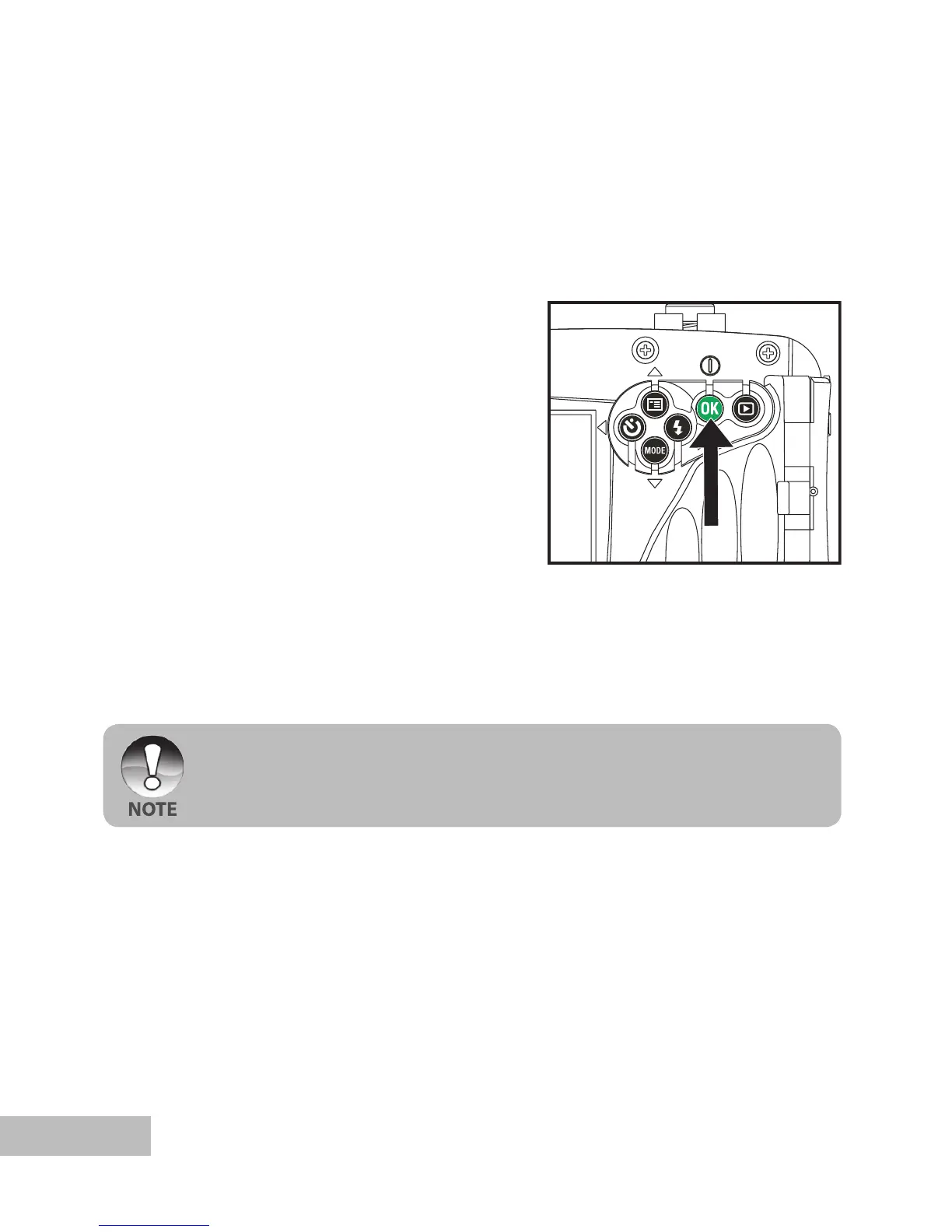
This camera is equipped with 4x digital zoom. You can enlarge the subjects by
pressing continuously the
OK button. A useful feature as it is, however, the more the
image is magnified, the grainer the image may become.
To capture a zoomed image, perform the following steps:
1. Push and hold the
OK button until the
camera turns on.
The camera mode (default preview)
is displayed.
2. To activate the digital zoom, push and
release the OK button.
Each push and release of the OK
button will increase the Zoom up to
4X.
The status of digital magnification is
displayed on the LCD monitor.
3. Compose your scene and press the
shutter button to capture the image.
The digital magnification ranges from 1.0x to 4.0x.
As you record video clips, the zoom function cannot be activated.



 To Next Page