EN-62
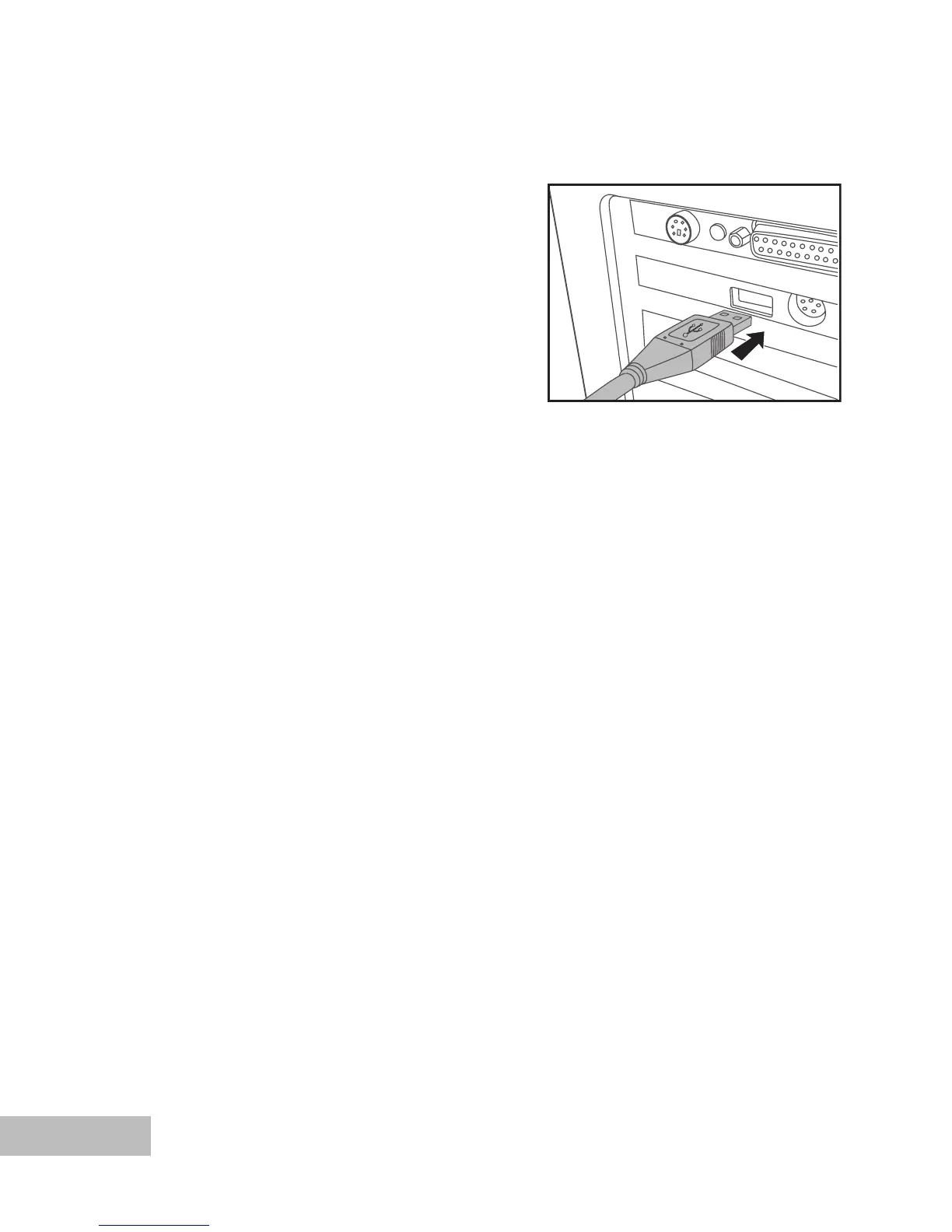
Step 1: Connect the digital camera to your computer
1. Connect one end of the USB cable to
the USB port of the camera.
2. Connect the other end of the USB
cable to an available USB port on your
computer.
3. Push and hold the OK button on the
camera until the power turns on.
The USB screen appears on the
LCD display.
4. Use the
/ to select [PC], then
press the OK button.
5. From the Windows desktop, double
click on “My Computer”.
6. Look for a new “Removable disk” icon.
This “Removable disk” is actually the
memory card in your camera. Typically,
the camera will be assigned drive letter
“e” or higher.
7. Double click on the removable disk and
locate the DCIM folder.
8. Double click on the DCIM folder to
open it to find more folders.
Your recorded images and video
clips will be inside these folders.
Copy & Paste or Drag-N-Drop
image and video files to a folder on
your computer.
(For Mac users, double-click the “untitled”
or “unlabeled” disk drive icon on our desktop.
iPhoto may automatically launch.)



 To Next Page