EN-37
PLAYBACK MODE - THE BASICS
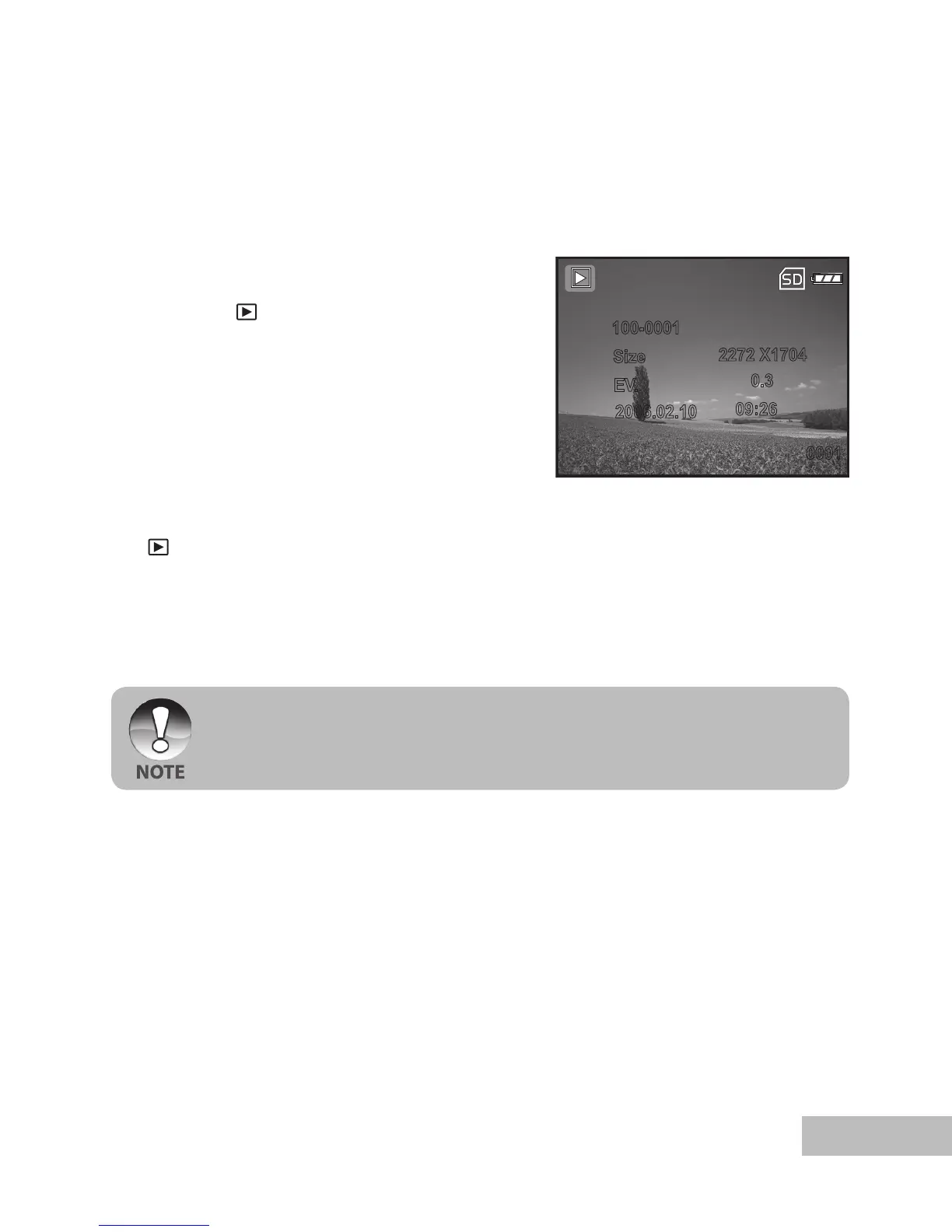
Viewing Images
You can display the still images you have just captured at a time.
1. Push and hold the
OK button until the
camera turns on.
2. Press the [ ] button.
The last recorded image appears
on the LCD monitor.
3. Use
or button to select the desired
images.
To view the previous image, press
the button.
To view the next image, press the
button.
4. To exit from playback mode, press the
[ ] or (MODE) button.
The playback information displayed on the LCD monitor will disappear after
seconds of time.
If there is no image stored in the internal memory or on the memory card. [NO
IMAGE] message will appear on the monitor.



 To Next Page