EN-40
Slideshow Display
The slide show function enables you to play your images back automatically in
sequential order. This is very useful and entertaining feature for reviewing recorded
images and for presentations.
1. Press the [
] button.
2. Press the
/ button.
The playback menu is displayed.
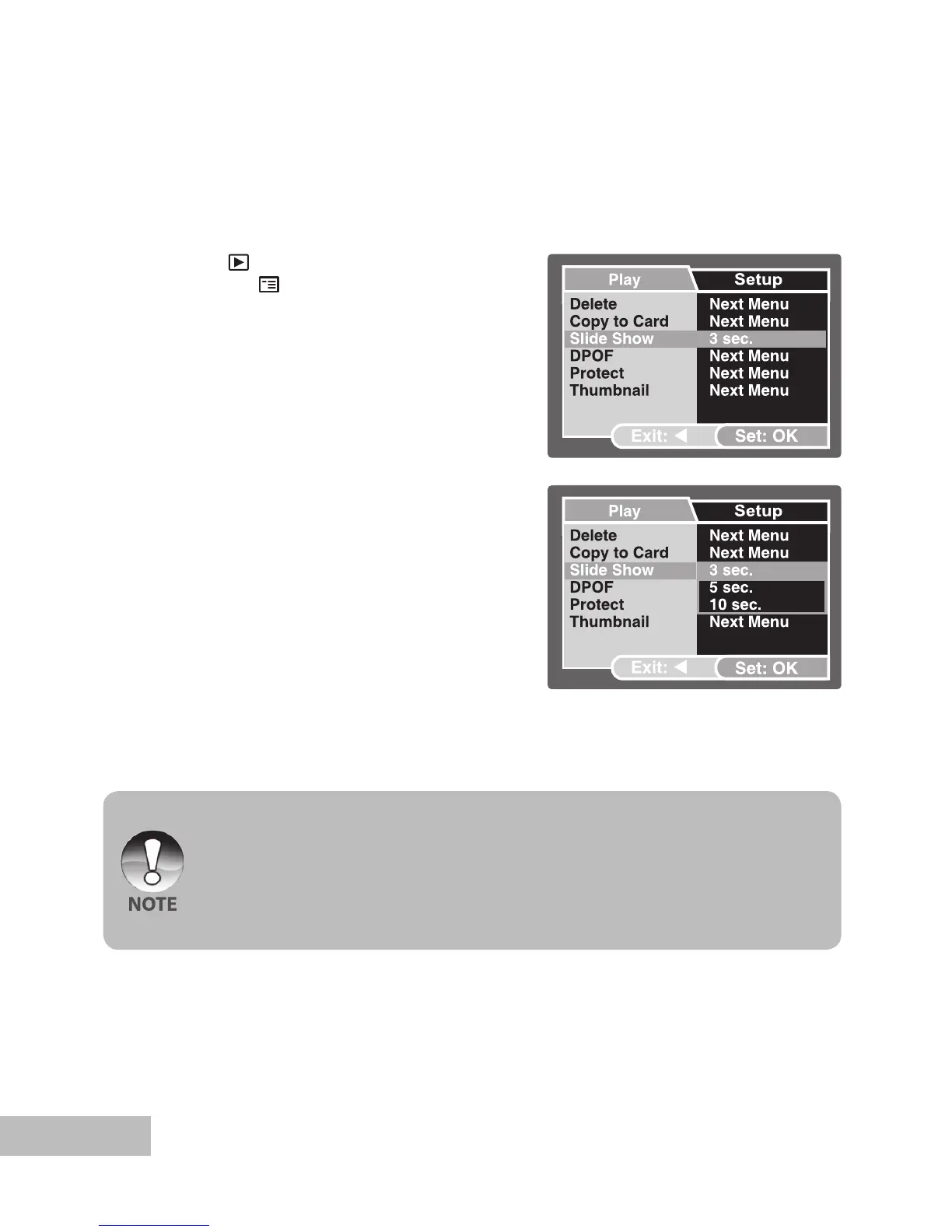
3. Select [Slide Show] with the /
buttons, then press the OK button.
4. Use
/ to select the playback
interval, then press the OK button.
The slideshow starts.
5. To stop the slide show during playback,
press the OK button.
You can adjust the slide show display interval within the range of 3 Sec., 5 Sec.,
10 Sec.
The Auto Off function does not operate during slide show.
All still images in the folder are automatically played back.
Video clips are displayed the first frame image, and they are not played back.
Slideshow display is only activated when more than 2 images are stored in the SD
card/internal memory.



 To Next Page