EN-39
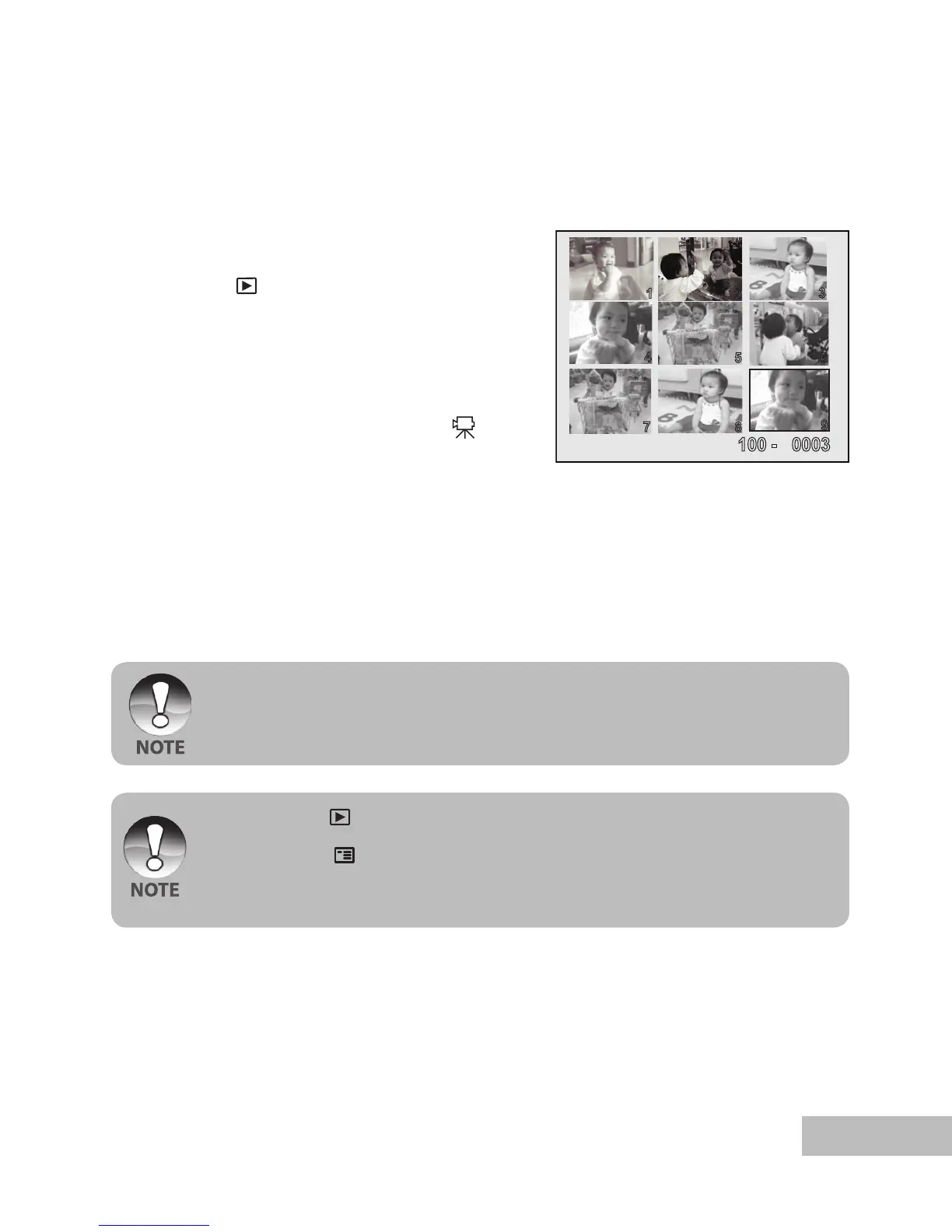
Thumbnail Display
This function allows you to view 9 thumbnail images on the LCD monitor simultaneously
so you may search for a particular image.
1. Push and hold the
OK button until the
camera turns on.
2. Press the [
] button.
The last recorded image appears
on the LCD monitor.
3. Continuously push and release the OK
button until the thumbnail images are
displayed.
For recorded video clips, the [ ]
video mode icon will be displayed.
4. Use the / / / button to move
the cursor to select the image to be
displayed at regular size.
5. Press the OK button to display the
selected image on full screen.
If the first displayed file is a video clip, use / buttons to select an image file,
then press continuously the OK button to display the thumbnail.
In playback [ ] mode, you may also display the thumbnail by the following
steps:
1. Press the
/ button to access the playback menu.
The playback menu is displayed.
2. Select [Thumbnail] with the / buttons, then press the OK button.



 To Next Page